Every BI platform purchase starts with a promise: better decisions, faster insights, more revenue. But three months after implementation, the CFO asks a simple question: "What are we getting for this investment?" If you cannot answer with specifics, the platform becomes a line item that gets scrutinized at every budget review. This framework gives you a structured way to measure and communicate BI ROI in terms the finance team respects.
Why BI ROI Is Hard to Measure
BI tools are infrastructure. Like a better road, they improve everything that travels on them, but attributing specific revenue to the road itself is tricky. A marketing team that makes a better campaign decision because they had access to a dashboard does not attribute the resulting revenue to the dashboard. They attribute it to the campaign. The BI platform is invisible in the success story.
This attribution problem is real, but it is not unsolvable. The framework below breaks BI ROI into four categories, each with concrete measurement approaches.
Category 1: Time Savings
Time savings is the easiest BI ROI to measure because it is tangible and quantifiable. Before the BI platform, people spent time manually pulling data, building spreadsheets, formatting reports, and reconciling conflicting numbers. After implementation, much of that time disappears.
How to Measure
- Identify the reporting tasks. List every recurring report, dashboard refresh, and data pull that existed before the BI implementation. Include who does it, how long it takes, and how often.
- Measure the before state. If you did not capture this before implementation, survey the people who did the work. They will remember. "How many hours per week did you spend building the weekly sales report?" The answers are usually surprising.
- Measure the after state. The same tasks now take less time or are fully automated. Automated reports take zero human time. Self-service dashboards replace ad-hoc data requests.
- Calculate the value. Multiply hours saved per week by the fully-loaded hourly cost of the people whose time was freed up. A senior analyst saving 10 hours per week at a $75/hour fully-loaded cost represents $39,000 per year in recovered capacity.
Common Time Savings
| Task | Before BI | After BI | Weekly Savings |
|---|---|---|---|
| Weekly executive report | 6 hours | 30 minutes | 5.5 hours |
| Monthly board deck data | 16 hours | 2 hours | 3.5 hours (amortized) |
| Ad-hoc data requests | 15 hours/week across team | 3 hours/week | 12 hours |
| Data reconciliation | 8 hours/week | 1 hour/week | 7 hours |
| Campaign performance reports | 4 hours per campaign | 15 minutes | Varies |
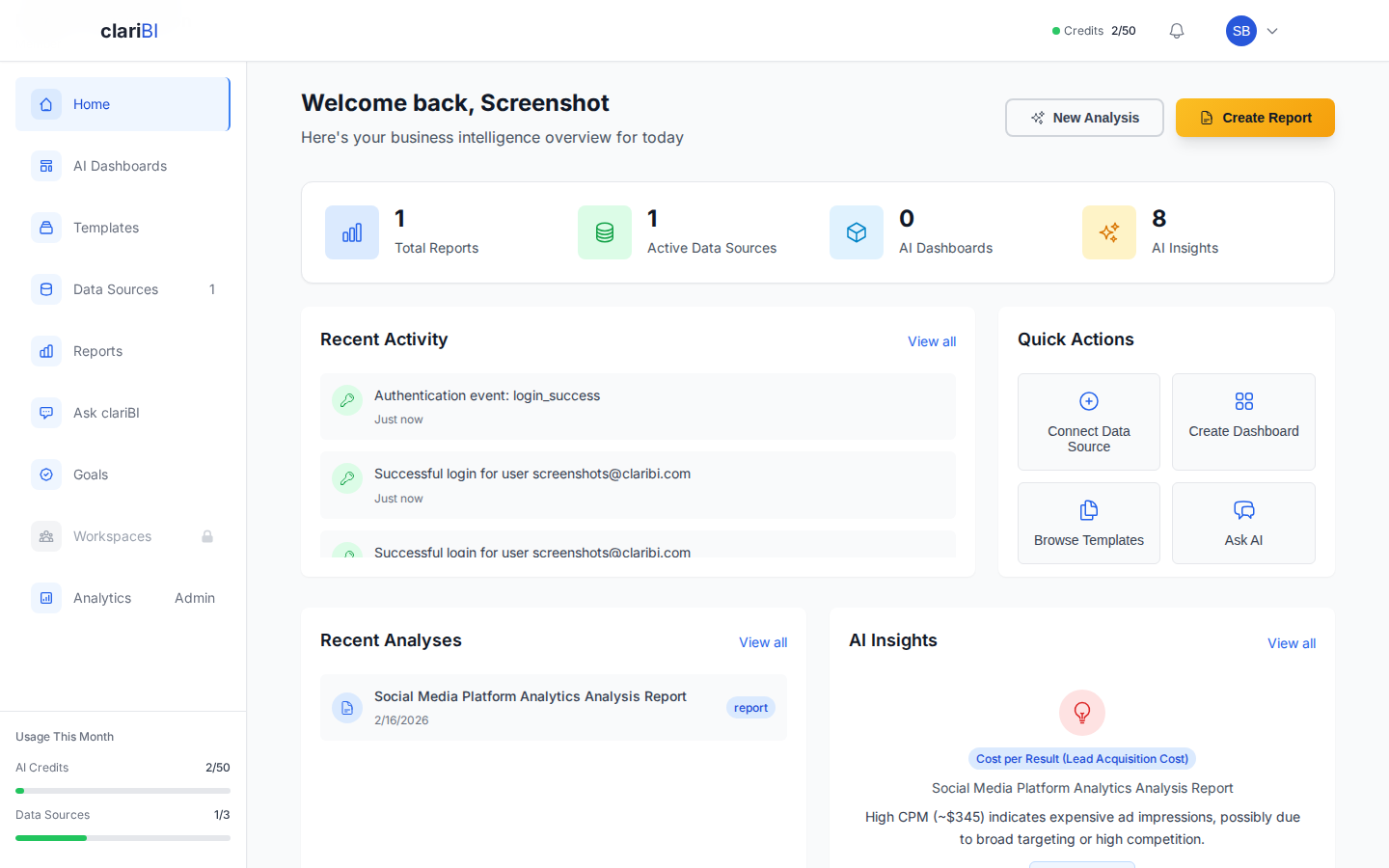
In clariBI, you can track platform usage metrics from the admin dashboard to document how many reports are generated automatically, how many ad-hoc questions are answered through conversational analytics, and how many dashboard views occur without analyst intervention. These numbers directly support the time savings calculation.
Category 2: Decision Speed
Faster decisions have financial value, especially in competitive markets. The gap between "something changed" and "we responded" determines whether you capture an opportunity or miss it.
How to Measure
Decision speed is harder to quantify than time savings, but you can capture it through specific examples:
- Campaign response time: How quickly do you identify underperforming campaigns and reallocate budget? Before BI, this might happen at a monthly review. With real-time dashboards, it can happen within days or hours. Calculate the cost of running a bad campaign for 20 additional days and the benefit of reallocating that spend sooner.
- Inventory adjustments: How quickly do you identify products that are selling faster or slower than expected? Days of stockout translate directly to lost revenue. Days of overstock translate to carrying costs and markdowns.
- Customer churn response: How quickly do you identify at-risk customers and intervene? Early intervention saves accounts. Late intervention is wasted effort on customers who have already decided to leave.
- Pricing optimization: How quickly do you respond to competitor pricing changes or market demand shifts? Each day of suboptimal pricing is quantifiable revenue impact.
Building a Decision Log
Create a simple log of decisions that were informed by BI data. For each entry, record:
- The decision that was made
- The data or dashboard that informed it
- How long the decision took (and how long it would have taken without the data)
- The estimated financial impact of the decision
Over 6-12 months, this log becomes a compelling portfolio of evidence. Even five strong examples with estimated financial impact make a persuasive case during budget discussions.
Category 3: Revenue Impact
Revenue impact is the most impressive ROI category but the hardest to attribute cleanly. The key is being honest about attribution without underselling the contribution.
Direct Revenue Impact
Some BI-driven decisions have clear revenue connections:
- Pricing changes based on analytics: "We identified through margin analysis that Product X was underpriced relative to willingness-to-pay. We increased the price by 15%, maintained volume, and added $340K in annual revenue."
- Churn reduction: "Dashboard-driven early warning identified 45 at-risk accounts. Customer success intervened and retained 32, representing $580K in annual contract value."
- Upsell targeting: "Usage analytics identified 120 accounts that were hitting plan limits. Targeted outreach converted 28 to higher tiers, adding $156K in annual revenue."
- Marketing efficiency: "Channel attribution analysis revealed that Channel A generated 3x the qualified leads per dollar compared to Channel B. Reallocating 40% of Channel B's budget to Channel A increased qualified leads by 22% with no additional spend."
Indirect Revenue Impact
Some revenue impact is real but harder to quantify:
- Better product decisions: Usage analytics informed the product roadmap, leading to features that reduced churn and increased adoption. How much of the resulting revenue growth is attributable to better data?
- Faster onboarding: New employees ramp faster because they can self-serve data instead of waiting weeks to understand the business. Faster ramp means earlier productivity and revenue contribution.
- Competitive advantage: Organizations that respond faster to market changes outperform those that do not. This is real but difficult to isolate.
For indirect impact, use conservative estimates and label them clearly. "We estimate that improved product decisions driven by usage analytics contributed to a 3-5% improvement in annual retention, worth approximately $200K-$330K" is honest and credible.
Category 4: Cost Avoidance
Cost avoidance measures problems you did not have because BI visibility prevented them. It is the value of things that did not go wrong.
Examples of BI-Driven Cost Avoidance
- Fraud detection: Anomaly detection in transaction data flagged unusual patterns early, preventing estimated losses.
- Compliance violations avoided: Automated monitoring caught a data handling issue before it became a regulatory violation. GDPR fines can reach 4% of global annual revenue.
- Infrastructure cost optimization: Usage analytics identified over-provisioned resources, and right-sizing reduced cloud infrastructure costs by a measured percentage.
- Inventory waste reduction: Better demand forecasting reduced spoilage, markdowns, and dead stock by a measurable amount.
- Bad hire prevention: HR analytics identified retention patterns that changed the hiring profile, reducing turnover costs.
How to Quantify Cost Avoidance
Cost avoidance is inherently hypothetical: "This bad thing would have happened if we had not caught it." To make it credible:
- Reference industry benchmarks for the cost of the problem (average cost of a data breach, average cost of compliance violations, industry churn rates)
- Document the specific detection: what was caught, when, and what the likely outcome would have been without detection
- Use conservative estimates and present a range rather than a single number
Building the ROI Report
The One-Page Summary
Executives do not want a 30-page analysis. They want one page with these elements:
- Total BI investment: Platform cost + implementation + training + ongoing maintenance
- Quantified returns by category: Time savings ($X), decision speed improvements ($Y), revenue impact ($Z), cost avoidance ($W)
- Net ROI: (Total returns - Total investment) / Total investment
- Top 3 specific examples: The most compelling stories with numbers
- Qualitative benefits: Briefly mention benefits that are real but hard to quantify (culture change, employee satisfaction, faster onboarding)
Timing
Do not try to calculate ROI after one month. BI ROI builds over time as the organization learns to use the platform and as automated processes accumulate savings. The first meaningful ROI report should come at 6 months, with updates at 12 months and annually thereafter.
At 6 months, time savings will be the strongest category. At 12 months, decision quality and revenue impact examples accumulate. By year two, the compounding effect of better data-informed decisions becomes the dominant value driver.
How clariBI Supports ROI Measurement
clariBI provides several features that directly support ROI measurement:
- Usage analytics: Track platform adoption metrics including active users, dashboard views, queries run, and reports generated. These numbers feed directly into time savings calculations. See the usage tracking documentation for available metrics.
- Scheduled reports: Track how many reports are generated automatically versus manually. Each automated report represents quantifiable time savings. The scheduled reports guide covers report automation setup.
- Conversational analytics logs: Query volume and response data show how many ad-hoc questions are being answered through self-service rather than through analyst requests.
- Audit logging: complete activity logs document platform usage patterns and can demonstrate growing adoption over time. Visit the audit logging documentation for details.
Common ROI Measurement Mistakes
- Only measuring cost savings. Cost savings (time, infrastructure) are easy to measure but often represent the smallest portion of BI value. Revenue impact and decision quality are harder to quantify but typically much larger.
- Ignoring the counterfactual. ROI compares the current state to what would have happened without the investment. If you were going to hire two analysts to do the work the BI platform now automates, the avoided salaries are part of the ROI.
- Overclaiming attribution. Claiming that the BI platform is solely responsible for a revenue increase destroys credibility. Be honest: "BI-informed pricing analysis contributed to the decision that resulted in a $340K revenue increase." The BI platform was part of the story, not the whole story.
- Measuring too early. BI adoption is a curve. Month one is setup and training. Month three is early adoption. Month six is when real usage patterns emerge. Measuring ROI at month one and declaring the investment a failure is premature.
- Forgetting the opportunity cost of time. When analysts save 10 hours per week, what do they do with that time? If they spend it on higher-value analysis that was previously impossible, that is additional ROI beyond the time savings itself.
Conclusion
Measuring BI ROI is not about proving that data is valuable. Everyone already agrees data is valuable. It is about quantifying that value in terms the finance team understands: dollars saved, dollars earned, dollars of risk avoided, and hours redirected to higher-value work. Build the measurement framework before or during implementation, not after someone asks for it. Track examples consistently in a decision log. Report results at 6 and 12 months. And be honest about attribution: credible, conservative estimates that hold up to scrutiny are worth more than inflated numbers that get challenged and discredited.