Every year, companies spend billions on business intelligence tools expecting that the software itself will create a data-driven culture. It does not. The tools sit underused, reports go unread, and the organization continues making decisions the same way it always has—based on intuition, seniority, and whoever talks the loudest in the meeting. Building a real data culture requires something different. It starts with access.
Why Data Culture Fails
Before talking about what works, it helps to understand why most data culture initiatives stall.
The Tool Trap
The most common pattern looks like this: leadership decides the company needs to be more "data-driven." They evaluate BI platforms, negotiate an enterprise license, roll it out to the organization, and wait for transformation to happen. Six months later, three people in the analytics team use it daily, a few managers log in to check a pre-built dashboard occasionally, and everyone else has forgotten their login credentials.
The problem is not the tool. The problem is that buying a tool does not change how people think about decisions. It does not change meeting norms, incentive structures, or the daily habits of individual contributors. A BI platform is infrastructure. Culture is behavior.
The Gatekeeper Problem
In many organizations, data access is controlled by a small team: the data analysts, the BI team, or the engineering team. If you want data, you submit a request. Someone writes a query, generates a report, and delivers it days or weeks later. By the time the data arrives, the decision has already been made or the question has changed.
This bottleneck does more damage than just slowing things down. It teaches the organization that data is hard to get, that asking for data is a hassle, and that decisions should be made without it whenever possible. Over time, people stop asking.
The Literacy Gap
Even when data is accessible, many team members lack the skills to interpret it correctly. They confuse correlation with causation, draw conclusions from small sample sizes, misread charts, or cherry-pick data that supports conclusions they already hold. Without basic data literacy, access can actually make things worse—people make bad decisions with false confidence because they have numbers to point at.
Access First: The Foundation
Data culture starts when people can answer their own questions without waiting for someone else. This does not mean giving everyone raw database access. It means creating layers of self-service that match different skill levels.
Layer 1: Pre-Built Dashboards for Everyone
Start with dashboards that answer the most common questions for each team. Sales needs pipeline and revenue metrics. Marketing needs campaign performance and lead generation data. Support needs ticket volume and resolution times. Finance needs cash flow and expense tracking.
These dashboards should be:
- Always current. If data is stale, people will not trust it. Automated syncing on a schedule that matches decision cadence (daily for operations, weekly for strategy) is essential.
- Easy to find. One click from the home screen. Not buried three levels deep in a navigation menu.
- Explained. Every metric should have a definition visible on hover or in a sidebar. "What does MRR include?" should not require a Slack message to the finance team.
- Designed for the audience. An executive dashboard and an operations dashboard tracking the same data should look different because they serve different purposes.
Layer 2: Self-Service Exploration for Curious Users
Pre-built dashboards answer known questions. But the most valuable insights come from questions nobody anticipated. Create a path for team members to explore data beyond what the dashboards show.
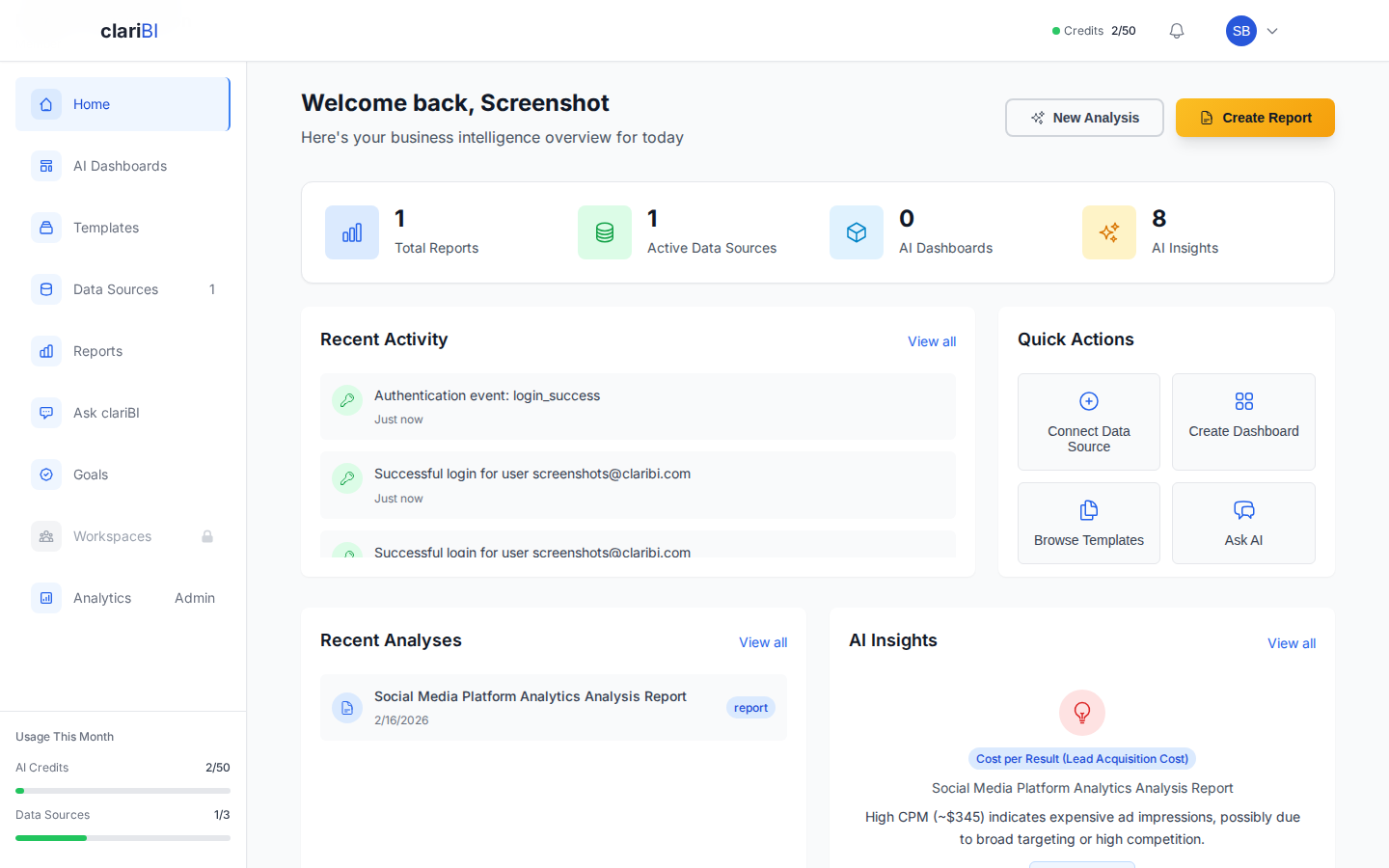
In clariBI, this means enabling conversational analytics for your team. A marketing manager who wonders "which content topic generated the most qualified leads last quarter?" can type the question and get an answer without filing a request with the analytics team. See the conversational analytics guide for setup details.
Self-service exploration requires guardrails:
- Curated data sources. Do not expose raw database tables. Provide cleaned, well-documented datasets with clear field names and relationships.
- Access controls. Not everyone needs access to salary data or individual customer records. Use role-based permissions to control what each team can see. clariBI's RBAC system supports this with five permission tiers.
- Documentation. Every data source should have a description explaining what it contains, how often it updates, and any known limitations or caveats.
Layer 3: Advanced Analysis for Power Users
Some team members will outgrow dashboards and conversational queries. They want to combine data sources, build custom calculations, create complex filters, and do statistical analysis. Give them the tools to do this without requiring engineering support.
clariBI supports this through multi-source dashboards, custom widget configurations, and API access for teams that want to build on top of the platform. The API documentation covers authentication, available endpoints, and rate limits.
Building Data Literacy
Access without literacy is dangerous. If people cannot interpret data correctly, they make confident but wrong decisions. Here is how to build data literacy across the organization without running a semester-long statistics course.
Start With Metric Definitions
The single most impactful thing you can do is create a shared glossary of metrics. What exactly is "revenue"? Does it include refunds? Is it recognized or billed? What about free trials that convert? When finance, sales, and marketing each define revenue differently, meetings devolve into arguments about whose number is right instead of discussions about what to do.
Write down definitions for every metric that appears on a dashboard. Make these definitions accessible directly from the dashboard (tooltips, info icons, sidebar panels). In clariBI, you can add descriptions to every widget and data field that appear as hover text for viewers.
Teach the Common Mistakes
You do not need to teach statistics. You need to teach the most common ways people misinterpret data:
- Correlation is not causation. Two metrics moving together does not mean one causes the other. Ice cream sales and drowning incidents both increase in summer, but ice cream does not cause drowning.
- Small samples are unreliable. "Our conversion rate doubled!" Yes, it went from 1 out of 10 to 2 out of 10. That is noise, not a trend.
- Averages hide distributions. Average customer lifetime value might be $500, but if half your customers are worth $50 and half are worth $950, the average is useless for decision-making.
- Past trends do not guarantee future results. A metric that grew 20% every quarter for four quarters might plateau, accelerate, or decline. Extrapolation is a guess, not a forecast.
- Survivorship bias is everywhere. Analyzing only customers who stayed tells you nothing about why others left. Analyzing only successful projects tells you nothing about why others failed.
A 30-minute workshop covering these five concepts with real examples from your own data will do more for data literacy than any textbook.
Create Data Champions
Identify one person on each team who is naturally curious about data. Give them extra training, early access to new dashboards, and a direct line to the analytics team. Their job is not to become analysts. It is to translate between the analytics team and their own team, help colleagues interpret dashboards, and surface questions that the team is too intimidated to ask.
These data champions become force multipliers. They model data-informed behavior for their teams. When they cite a dashboard in a meeting or send a Slack message with a chart attached, it normalizes that behavior for everyone else.
Changing Habits: Where Culture Actually Lives
Culture is not what you say you value. It is what you consistently do. Data culture lives in daily habits and meeting norms, not in mission statements or strategy decks.
Change Your Meetings
The highest-impact change you can make is requiring data in meetings. Not complex analysis. Not 50-slide decks. Just the relevant numbers.
- Weekly team meetings: Start with 5 minutes reviewing the team dashboard. What changed? Why? What are we doing about it?
- Project proposals: Require a "current state" section with baseline metrics and a "success criteria" section with target metrics. No metrics, no approval.
- Retrospectives: Review the metrics alongside qualitative feedback. "The project felt successful" is incomplete. "The project reduced support tickets by 23% and saved an estimated 40 hours per month" is a complete picture.
Reward Data-Informed Decisions
If you want data-informed behavior, recognize it publicly. When a team member uses data to identify a problem, propose a solution, or validate a hypothesis, call it out. Share the story. Make it visible. This signals to the organization that data use is valued and noticed.
Equally important: do not punish data-informed decisions that lead to bad outcomes. If someone followed the data, tested a hypothesis, and the test failed, that is the process working correctly. Punishing that outcome teaches people to hide behind intuition where there is no accountability.
Make Data Visible
Put dashboards where people see them without trying. Lobby TV screens, Slack channel integrations, email digests. The more often people encounter data passively, the more natural it becomes to think about it actively.
clariBI supports this through public sharing links for TV displays, scheduled email reports for inbox delivery, and workspace integration for team-level visibility.
Measuring Data Culture Progress
If you are building a data culture, you should measure it. Here are practical indicators:
Leading Indicators
- Platform login frequency: How many unique users log into the BI platform each week? Track this over time as a percentage of total employees.
- Dashboard views: Which dashboards are viewed and by whom? Low-usage dashboards either do not answer relevant questions or are not known to the audience.
- Self-service query volume: How many questions are being asked through conversational analytics? Increasing volume suggests growing comfort with data exploration.
- Time to data: How long does it take from someone asking a question to getting an answer? Self-service should reduce this from days to minutes.
Lagging Indicators
- Decision documentation: Are decisions being recorded with the data that informed them? Check project documentation, meeting notes, and strategy documents for data references.
- Experiment volume: Data-informed organizations run more experiments because they have the infrastructure to measure results. Track the number of A/B tests, pilot programs, and formal experiments per quarter.
- Data request volume: This should decrease over time as self-service capability increases. If the analytics team's request queue is shrinking while platform usage is growing, the culture shift is working.
Common Pitfalls
- Mandating tool usage instead of earning adoption. "Everyone must log in to the BI platform by Friday" creates resentment, not culture. Build dashboards that answer real questions, and people will come because the data is useful, not because they were told to.
- Perfecting data before providing access. Waiting until every data source is clean and every metric is perfectly defined means waiting forever. Ship the 80% solution and iterate. Imperfect data that people use is better than perfect data that stays locked in a warehouse.
- Centralizing all analytics work. If every data question has to go through the analytics team, you have not changed the culture. You have just changed the bottleneck's name. The analytics team's role should shift from answering questions to building the infrastructure that lets others answer their own questions.
- Ignoring data quality feedback. When users report that a number looks wrong, treat it as a high-priority issue. Every time someone encounters bad data and nothing happens, their trust in the platform decreases. Eventually, they stop looking.
- Treating data culture as a project with an end date. Culture is ongoing. It requires continuous investment in tools, training, processes, and reinforcement. The moment you stop investing, old habits return.
Conclusion
Data culture is not a technology problem. It is a people problem that technology can help solve. Start by making data accessible at every level of the organization, from pre-built dashboards for casual viewers to API access for power users. Invest in data literacy so people interpret data correctly. Change meeting norms and incentive structures so data use becomes habitual rather than exceptional. And measure your progress with the same rigor you apply to any other strategic initiative. The companies that get this right make better decisions, move faster, and compound those advantages over years. The tools matter, but they are the last piece of the puzzle, not the first.