Updated for the May 2026 pricing model
clariBI now ships 7 tiers: Free ($0), Trial (14 days free, full features including MCP integrations), Lite ($19/mo, manual deterministic dashboards only — no AI credits), Starter ($99/mo), Professional ($199/mo) and Enterprise ($999/mo), plus a legacy Expired state for a small number of pre-cleanup accounts.
When a trial expires today, the account moves to the Free plan with subscription status "suspended" — data and previously-generated insights stay accessible; AI credits and paid features are disabled until upgrade. See current pricing →
Overview
clariBI offers four plans designed to grow with your business. You can change your plan at any time from the billing settings. This guide explains exactly what happens during upgrades, downgrades, and cancellations.
Plan Summary
| Plan | Price | Users | AI Credits | Data Sources |
|---|---|---|---|---|
| Trial | Free | 1 | 50 | 3 |
| Starter | $99/month | 3 | 500 | 10 |
| Professional | $199/month | 15 | 1,500 | 50 |
| Enterprise | $999/month | 100 | 5,000 | 100 |
Upgrading Your Plan
How to Upgrade
- Go to Settings > Billing > Plan.
- Click Change Plan.
- Select the plan you want to upgrade to.
- Review the price difference and new features.
- Click Confirm Upgrade.
Only the organization Owner can change the plan. Administrators can view billing information but cannot make changes.
What Happens When You Upgrade
- Immediate access. New features, higher limits, and additional AI credits are available right away.
- Prorated billing. You are charged only for the remaining days in your current billing cycle at the new rate. The difference between what you already paid and the new rate is calculated and charged immediately.
- AI credits top up. Your credit balance is increased to the new plan's full monthly amount.
- User seats expand. You can immediately invite more team members up to the new plan's limit.
- RBAC activates. Upgrading from Starter to Professional enables the full 5-role RBAC system.
Upgrading from Trial
The Trial plan lasts 14 days. When the trial ends, you must choose a paid plan to continue using clariBI. During the trial:
- You can upgrade at any time before the 14 days are up.
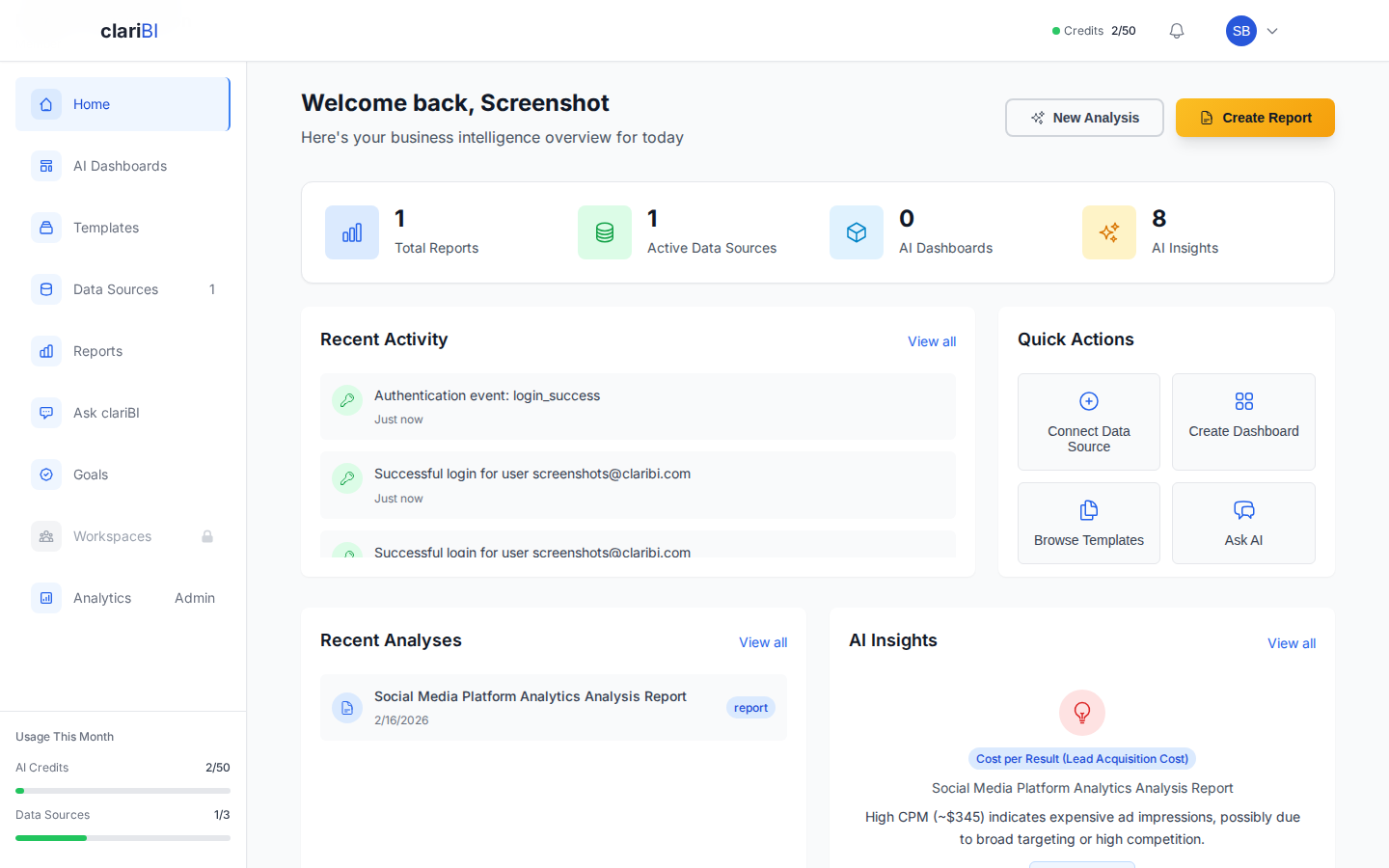
- If the trial expires without upgrading, your account moves to the Free plan with subscription status "suspended" — your data stays accessible read-only. Your data is preserved for 30 days, during which you can upgrade to reactivate.
Downgrading Your Plan
How to Downgrade
- Go to Settings > Billing > Plan.
- Click Change Plan.
- Select the lower plan.
- Review any feature or limit reductions.
- Acknowledge the impact summary.
- Click Confirm Downgrade.
What Happens When You Downgrade
- Takes effect at next billing cycle. You keep your current plan's features until the end of the current billing period.
- Feature restrictions apply. When the downgrade takes effect, features not included in the new plan become unavailable.
- User seat limits. If your team exceeds the new plan's user limit, you must remove members before the downgrade takes effect. clariBI shows a warning and lists which members need to be removed.
- Data source limits. If you exceed the new plan's data source limit, extra data sources are paused (not deleted). You can choose which to keep active.
- AI credits adjust. Your next billing cycle starts with the new plan's credit amount.
- RBAC changes. Downgrading from Professional to Starter disables RBAC. All members revert to equal access. Custom roles are preserved but inactive.
Impact Summary
Before confirming a downgrade, clariBI shows an impact summary:
- Features you will lose
- Current usage vs. new limits (users, data sources, credits)
- Specific actions required (e.g., "Remove 5 team members to fit within the 3-user Starter limit")
Cancelling Your Subscription
How to Cancel
- Go to Settings > Billing > Plan.
- Click Cancel Subscription.
- Optionally share your reason for cancelling (this helps us improve).
- Review the cancellation terms.
- Click Confirm Cancellation.
What Happens When You Cancel
- Access continues until the end of the billing period. If you cancel on day 10 of a 30-day cycle, you have 20 more days of full access.
- After the billing period ends:
- All users are logged out.
- Dashboards, reports, and data sources become inaccessible.
- Data syncs and scheduled reports stop.
- AI queries are disabled.
- Data retention. Your data is preserved for 90 days after cancellation. During this period, you can reactivate your account and pick up where you left off.
- After 90 days. All organization data is permanently deleted. This includes dashboards, reports, data source configurations, goals, comments, and user accounts.
- No partial refunds. Cancellation takes effect at the end of the current billing period. clariBI does not issue prorated refunds for unused days.
Reactivating After Cancellation
Within the 90-day retention window:
- Log into your clariBI account (your credentials still work).
- You are prompted to select a plan.
- Choose a plan and enter payment information.
- Your account is reactivated with all your data intact.
Billing FAQ
Can I switch plans mid-cycle? Yes. Upgrades take effect immediately with prorated billing. Downgrades take effect at the next billing cycle.
Do I get a refund if I downgrade? No, but you keep the higher plan's features until the end of the current billing period.
What payment methods are accepted? clariBI accepts all major credit cards (Visa, Mastercard, American Express) and processes payments through Stripe.
Can I pay annually? Contact our sales team at sales@claribi.com for annual billing options with a discount.
Where can I find my invoices? Go to Settings > Billing > Invoices to view and download past invoices.