Security Overview
Estimated reading time: 8 minutes
How does clariBI protect your data? This overview covers authentication, encryption, access control, and data handling practices.
Authentication
clariBI uses secure token-based authentication for all requests. Tokens are short-lived and automatically refreshed.
- Password requirements: minimum 8 characters
- Multi-factor authentication (MFA): TOTP-based, using authenticator apps like Google Authenticator or Authy (Professional+ plans)
- Session management: configurable session timeouts, ability to view and revoke active sessions
Access Control
clariBI uses a 5-tier role-based access control (RBAC) system:
| Role | Permissions | Description |
|---|---|---|
| Owner | 35 | Full access including billing and security settings |
| Administrator | 29 | Broad access, limited billing/security |
| Analyst | 14 | Analytics and reporting focus |
| Member | 8 | Standard access (default for new users) |
| Viewer | 6 | Read-only access |
See RBAC Details for the full permission matrix.
Data Encryption
- In transit: all connections use HTTPS/TLS. Database connections support SSL. The site enforces HSTS.
- At rest: database credentials, OAuth tokens, and API keys for every connected data source (MCP catalog, native OAuth, REST API) are encrypted with Fernet (AES-128-CBC + HMAC-SHA256) before they touch the database. The encryption key lives in the platform secrets manager, not in application config. Decryption happens server-side at request time only.
- AI processing: data sent to the AI processing service uses encrypted connections. The AI engine is provider-hosted and stateless against your data. See AI Limitations for the full data handling story.
Per-Organization Isolation
Every record clariBI stores (data sources, dashboards, reports, goals, MCP connections, credentials, audit log entries) carries an organization_id column. Every query against those records filters by the current request's organization. Cross-tenant access isn't policy-enforced; it's structurally impossible at the query layer. The same enforcement runs across the REST API, the admin views, and the Celery background workers, so there's no path where org filtering can be skipped.
MCP Catalog Security
The MCP catalog integrations follow six security principles documented in detail there. Summary:
- Read-only scopes only; write tools are blocked at the per-vendor allowlist.
- Fernet encryption at rest for every OAuth token.
- Per-organization isolation (as above).
- Disconnect = deleted in one transaction.
- SSRF guard on Custom MCP URLs (https only, RFC1918 / cloud-metadata blocked).
- Audit trail of connect/disconnect/use on Pro+.
Audit Logging
clariBI logs user actions for accountability and compliance:
- Login and logout events
- Data source connections and disconnections
- Report generation and export
- Dashboard creation and sharing
- Role changes and user invitations
- Settings changes
Audit logs are available on Professional+ plans. See Audit Logs.
API Keys
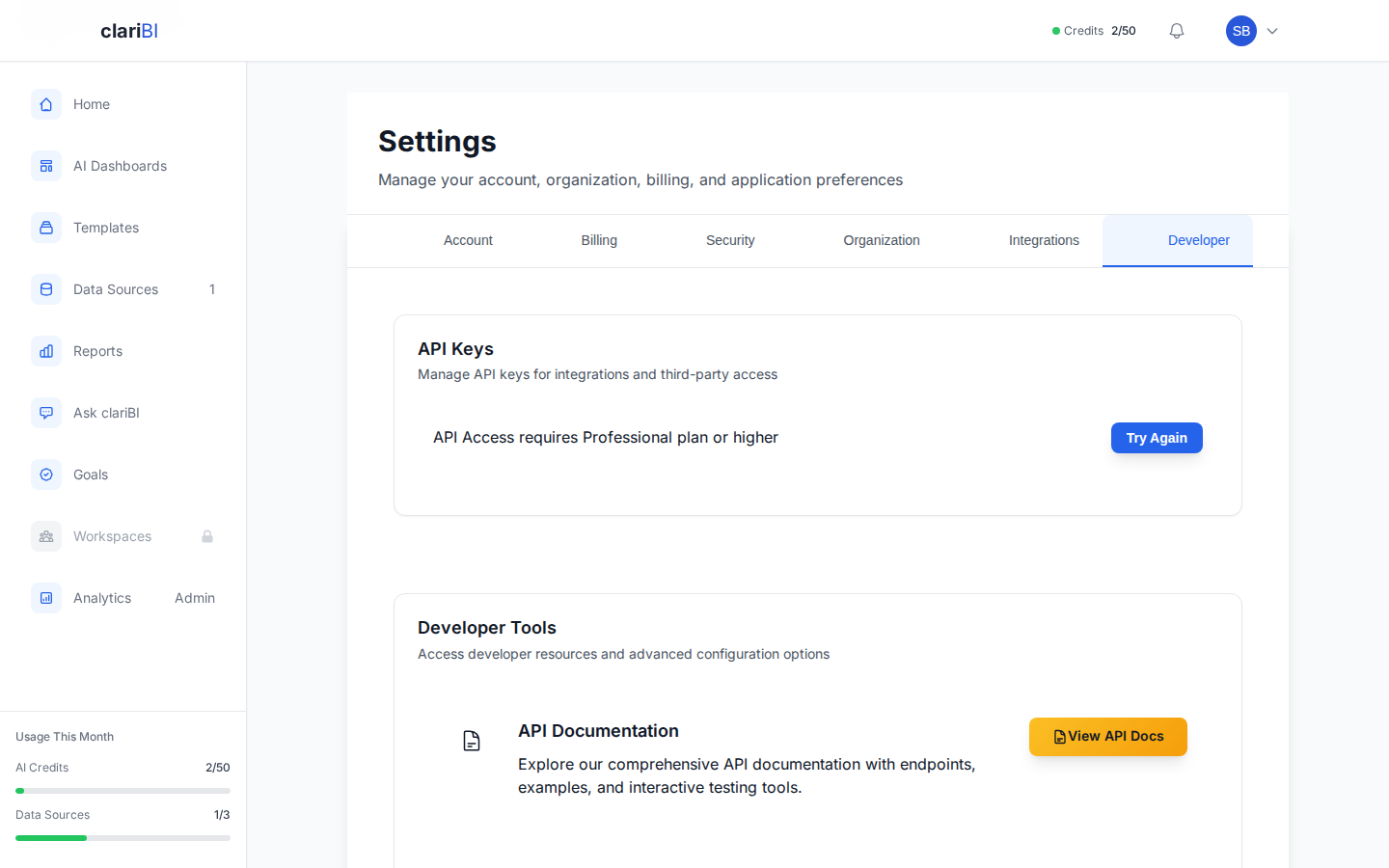
For programmatic access, generate API keys from Settings > Developer > API Keys. Keys can be given a name, description, and optional expiry date. See API Authentication.
Security Guides
Ready to try clariBI?
Start your free 14-day trial. No credit card required.