Dashboards
A dashboard is a page of widgets (numbers, charts, tables) built on one or more data sources. clariBI has three kinds, and they differ in who builds them and whether they use AI credits.
The three kinds
| Kind | How it is made | AI credits | Plans |
|---|---|---|---|
| Data Insights (automatic) | Created by clariBI when a source finishes processing. One per source, named <source name> - Data Insights, marked Autogenerated. | None | All |
| AI dashboard | The five-step Dashboard Builder, or a quick AI-generated dashboard where clariBI picks up to 15 widgets. | To build and on each scheduled refresh | Trial, Starter and up |
| Manual dashboard | Manual mode: pick a template and bind each widget to columns yourself. | None | Trial, Lite, Starter and up |
Most MCP sources do not get an automatic dashboard; a vendor has to be checked for it first.
The AI Dashboards page
Open AI Dashboards in the sidebar. It has three tabs:
- Dashboards: every dashboard, automatic ones included. Each card's menu has View, Edit, Duplicate, Archive and Delete.
- Templates: dashboard templates, filterable by category. See Dashboard templates.
- Scheduled Refreshes: every dashboard that refreshes on a schedule, with its last run.
Create Dashboard starts a new one. Manual mode (shown when your plan has both AI and manual dashboards) opens the template wizard. On Lite, Create Dashboard goes to manual mode directly.
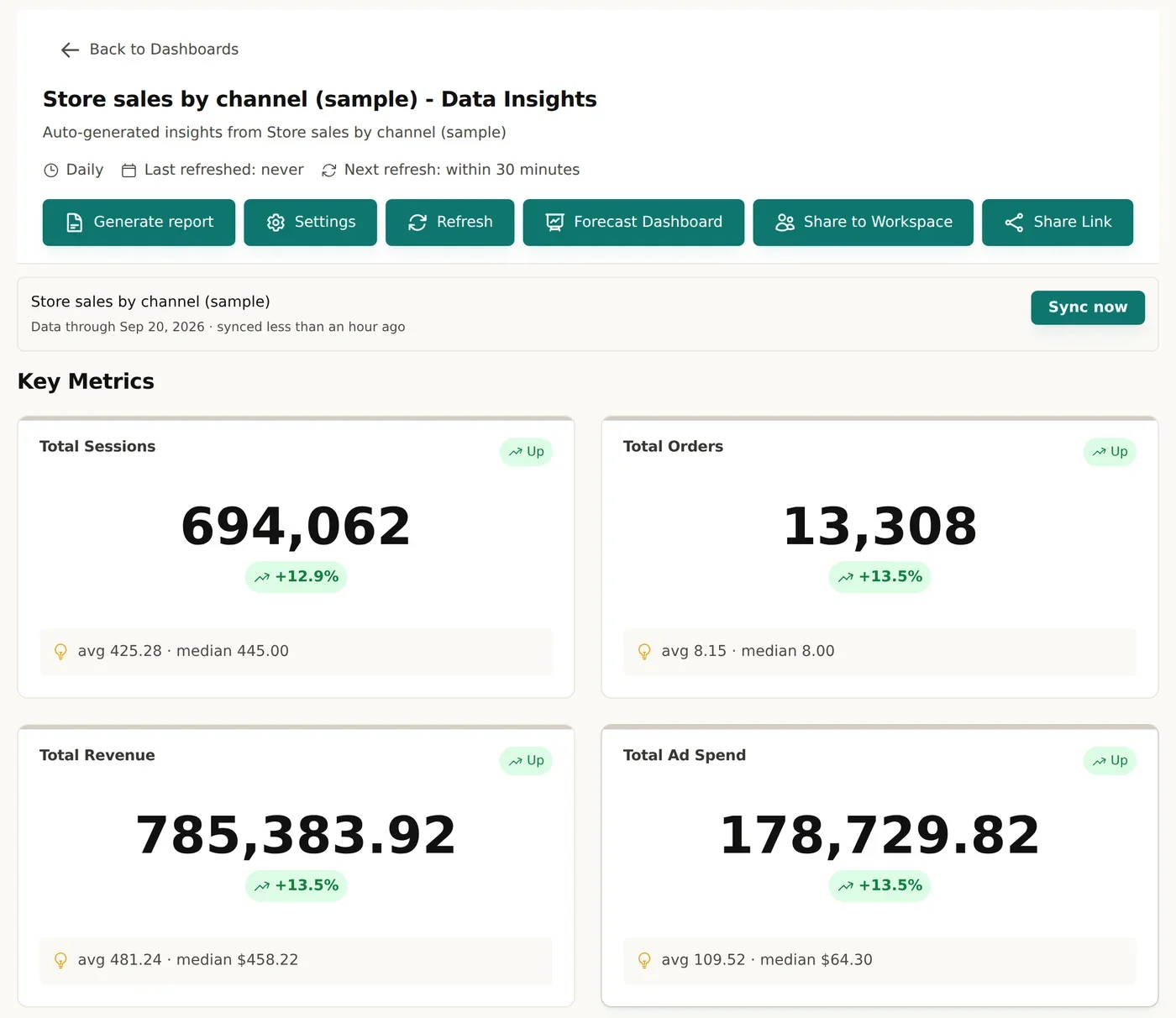
On a dashboard
- Settings: name, description, refresh frequency and Edit Widget Layout.
- Refresh: re-runs the analysis on an AI dashboard, reloads an automatic one.
- Generate report (or View report once one exists): a written report from the dashboard's widgets.
- Forecast Dashboard: forecasts every widget that can be forecast (Starter and up).
- Share to Workspace and Share Link: see Sharing dashboards.
Banners explain problems when they occur: a deleted source, widgets that need their columns re-bound after the source's columns changed, or data that needs a sync.
Where to go next
The trial lasts 14 days, includes 50 AI credits and does not ask for a card. When it ends, the account moves to the Free plan and keeps its data.