The weekly business review is the most important recurring meeting in most companies. It is also the one most likely to devolve into a rambling status update where nothing gets decided. This guide walks through how to structure a weekly review around data so it consistently produces decisions and accountability, not just conversation.
Why Most Weekly Reviews Fail
The typical weekly business review goes like this: each department head gives a verbal update, someone mentions a number from memory that may or may not be accurate, the group discusses a few anecdotes, and the meeting ends with no clear decisions or action items. Everyone leaves feeling like they just lost an hour.
The root cause is always the same: the meeting is organized around people instead of metrics. When the agenda is "Marketing update, Sales update, Product update," you get storytelling. When the agenda is "MRR target variance, pipeline coverage ratio, release velocity," you get analysis and decisions.
The Pre-Read: Preparation That Makes the Meeting Work
The single biggest improvement you can make to your weekly review is requiring a data pre-read sent 24 hours before the meeting. This document should contain:
- Current KPI scorecard: The 5-8 metrics the leadership team tracks, with actual values, targets, and red/yellow/green status indicators. Everyone should walk into the room already knowing the numbers.
- Exception callouts: Any metric that moved significantly in either direction. A 15% drop in lead volume or a 30% spike in support tickets deserves a brief explanation before the meeting.
- Open action items: Status of decisions and actions from the previous week. This creates accountability and ensures things actually get done between meetings.
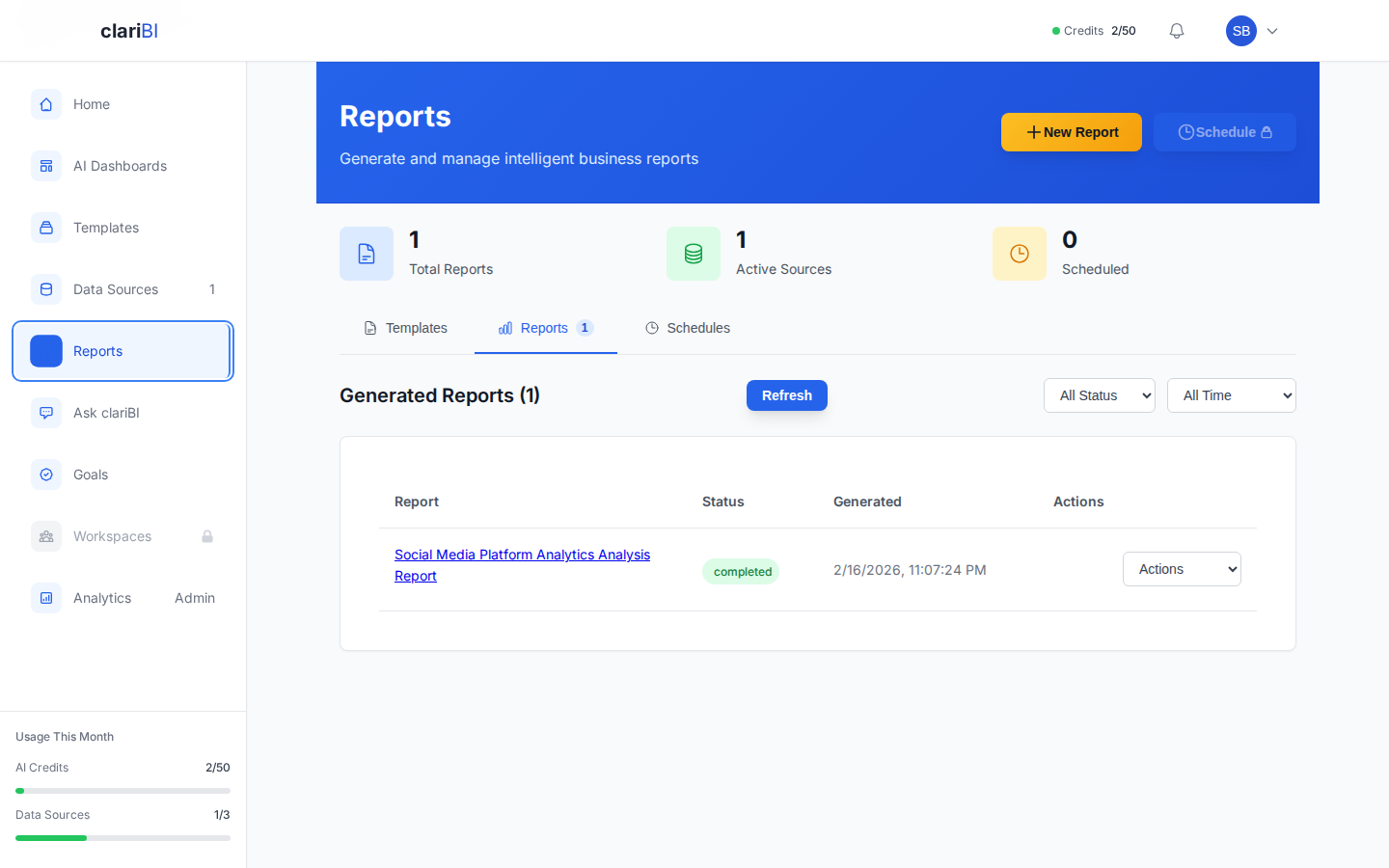
In clariBI, you can set up an automated weekly report that generates and emails this pre-read every Monday morning. The report pulls live data from your connected sources, calculates target variance, and flags exceptions automatically. See the scheduled reports documentation for setup instructions.
The Agenda: Metrics First, Discussion Second
A well-structured weekly review follows this pattern:
1. Scorecard Review (10 minutes)
Walk through the KPI scorecard quickly. Do not discuss every metric. Only stop on items that are red or have changed significantly since last week. The goal is to confirm that everyone has seen the numbers and agrees on the current state of the business.
For a SaaS company, a typical scorecard might include:
- Net new MRR this week versus weekly target
- Pipeline created and pipeline coverage ratio
- Churn events and at-risk accounts
- Active user count and engagement trend
- Support ticket volume and response time
- Release velocity (features shipped)
2. Exception Deep-Dives (20 minutes)
Pick the 2-3 most important exceptions for deeper discussion. For each exception, the responsible person should present:
- What happened: The data showing the anomaly, including context and comparison to historical patterns.
- Why it happened: Root cause analysis, even if preliminary. "We do not know yet" is acceptable if paired with "and here is how we will find out."
- What we are doing about it: Specific actions with owners and deadlines.
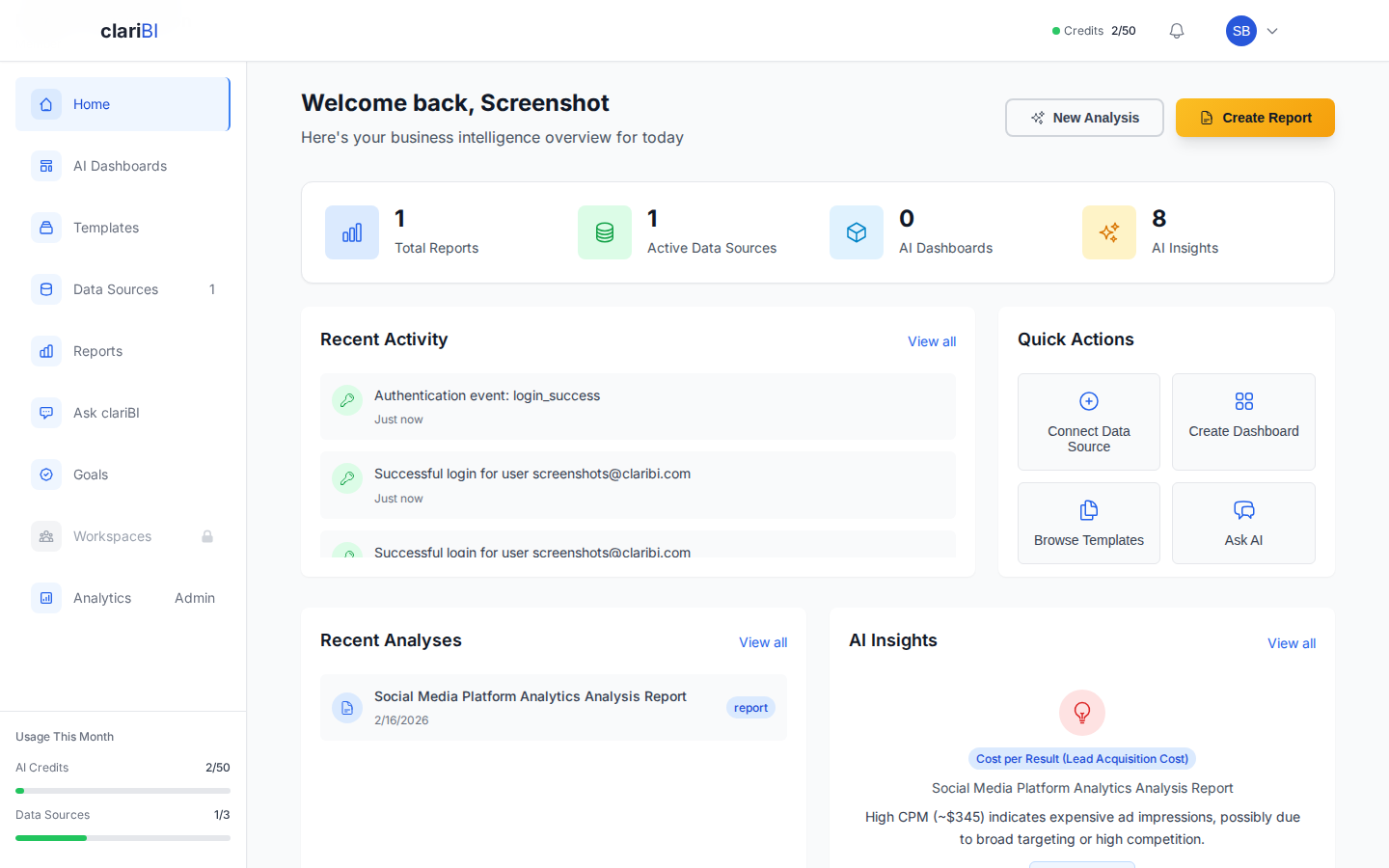
This is where a tool like clariBI adds real value. Instead of someone fumbling with a spreadsheet, you can pull up a live dashboard, filter to the relevant time period, and drill into the data together in real time. The conversational AI lets anyone in the room ask follow-up questions of the data without needing an analyst to write a query on the spot.
3. Decisions and Action Items (15 minutes)
End every review by explicitly stating what was decided and what actions were assigned. Each action item needs three things: a specific deliverable, a single owner (not a team), and a due date. Record these in a shared document or project management tool.
Common decisions that come out of weekly reviews:
- Resource reallocation - shifting engineering hours to fix a retention problem surfaced by churn data
- Escalation - elevating an at-risk enterprise account to executive attention based on usage decline data
- Experiment approval - green-lighting a pricing test based on conversion funnel analysis
- Hiring acceleration or pause - adjusting hiring plans based on pipeline and revenue trajectory
4. Forward Look (5 minutes)
Close with a brief look at what is coming next week that might affect the numbers. Product launches, marketing campaigns, seasonal patterns, contract renewals, and board meetings all create context for next week's data. This primes the team to watch for leading indicators rather than being surprised by lagging ones.
Choosing the Right Metrics for Your Review
The metrics in your weekly review should pass three tests:
- Actionable: If the metric changes, can the team take specific action? If not, it does not belong in the weekly review. Save it for the quarterly strategic review instead.
- Timely: Can the metric be updated weekly with reasonable accuracy? Metrics that require monthly data processing do not work for weekly cadence.
- Owned: Is someone in the room directly responsible for this metric? If nobody owns it, nobody will explain it, investigate exceptions, or drive improvement.
Resist the temptation to add metrics over time. The weekly review should stay focused on 5-8 key metrics. If you find yourself reviewing 20 numbers every week, you are diluting attention and the meeting will expand beyond its useful length.
Common Mistakes to Avoid
Spending the Whole Meeting on Good News
It is human nature to linger on positive metrics and rush past negative ones. The facilitator should enforce the opposite: spend the most time on exceptions that need attention. Celebrate wins briefly, then move to problems.
Letting Anecdotes Override Data
Someone will say "I talked to three customers this week and they all said X." That is useful qualitative input, but it should not override what the data shows across hundreds of customers. Note the anecdotes as hypotheses to investigate, not as conclusions.
Skipping the Follow-Up
The review only creates value if decisions get executed. If you assigned five action items last week and nobody follows up, the review becomes performative. Start every meeting by reviewing last week's action items. Public accountability is the mechanism that turns discussions into results.
Using Stale Data
If the numbers in your pre-read are from five days ago, the meeting is already discussing the past. Automate data refresh so the scorecard reflects the most recent full week. In clariBI, dashboards pull from live data connections, so the numbers are current whenever you open them.
Getting Started: Your First Data-Driven Weekly Review
- Pick your 5-8 metrics - Start with the numbers your leadership team already informally discusses. Formalize them into a scorecard with targets.
- Build the dashboard - Create a shared dashboard in clariBI with KPI cards, trend lines, and exception alerts. Connect it to your data sources so it updates automatically. See the dashboard creation guide for a walkthrough.
- Set up the automated pre-read - Schedule a weekly report that emails the scorecard snapshot to all attendees on Monday morning.
- Run the meeting on the new agenda - Follow the scorecard-exceptions-decisions-forward look structure. Time-box each section.
- Iterate - After four weeks, ask the team: Are we discussing the right metrics? Are we making decisions? Adjust accordingly.
The goal is not a perfect meeting. The goal is a meeting where the team leaves aligned on what the data says, what decisions were made, and who is responsible for what. That consistency, week after week, compounds into a significant advantage over teams that operate on gut instinct and scattered information.