Goals
Last reviewed against the app on 24 September 2026
Goals let you write down a measurable target, break it into smaller pieces and follow progress toward it. Goals are included on every plan, Free included.
What a goal has
- Title and optional description, for example "Reach $100K monthly recurring revenue".
- Category: Epic (strategic initiative), Topic (operational goal) or Task (action item).
- Goal type: Increase, Decrease, Maintain, Achieve Target or Complete Tasks.
- Target value and unit: number, percentage, currency, days or tasks.
- Priority: low, medium, high or critical.
- Target date.
- Status: you create it as Draft or Active.
clariBI goals are targets with progress, not an OKR system: there are no objectives with separate key results.
Create a goal
- Click Goals in the sidebar, then New Goal.
- Enter the title and description.
- Choose the category and the goal type.
- For a Topic or a Task, choose the parent goal it belongs to.
- Set the target value, unit, priority and target date.
- Choose Draft or Active.
- Optionally add it to a workspace and pick collaborators (workspaces need Professional or Enterprise).
- Click Create Goal.
Epics, Topics and Tasks
Goals form a tree of up to three levels:
- Epics are the big goals, such as "Grow revenue 40% this year".
- Topics sit under an Epic, such as "Increase average order value".
- Tasks sit under a Topic, such as "Launch bundle pricing".
The Goals page shows them as a tree. A parent's progress combines its own progress with the average progress of its active, paused and completed children.
Recording progress
Click Update Progress on a goal and set how far along it is (0 to 100%). Choose Progress Update for a regular update or Milestone to record a named milestone ("Hit 50% of target") at the same time. Every update is kept, so the goal's detail view shows a progress chart and the list of milestones reached.
Progress is the current value divided by the target, capped at 100%. It is calculated this way for every goal type, so for a Decrease goal (lower is better) enter progress as the share of the reduction achieved rather than the raw value.
Goal values are updated by you. See Linking goals to data for what the dashboard link does today.
The Goals page
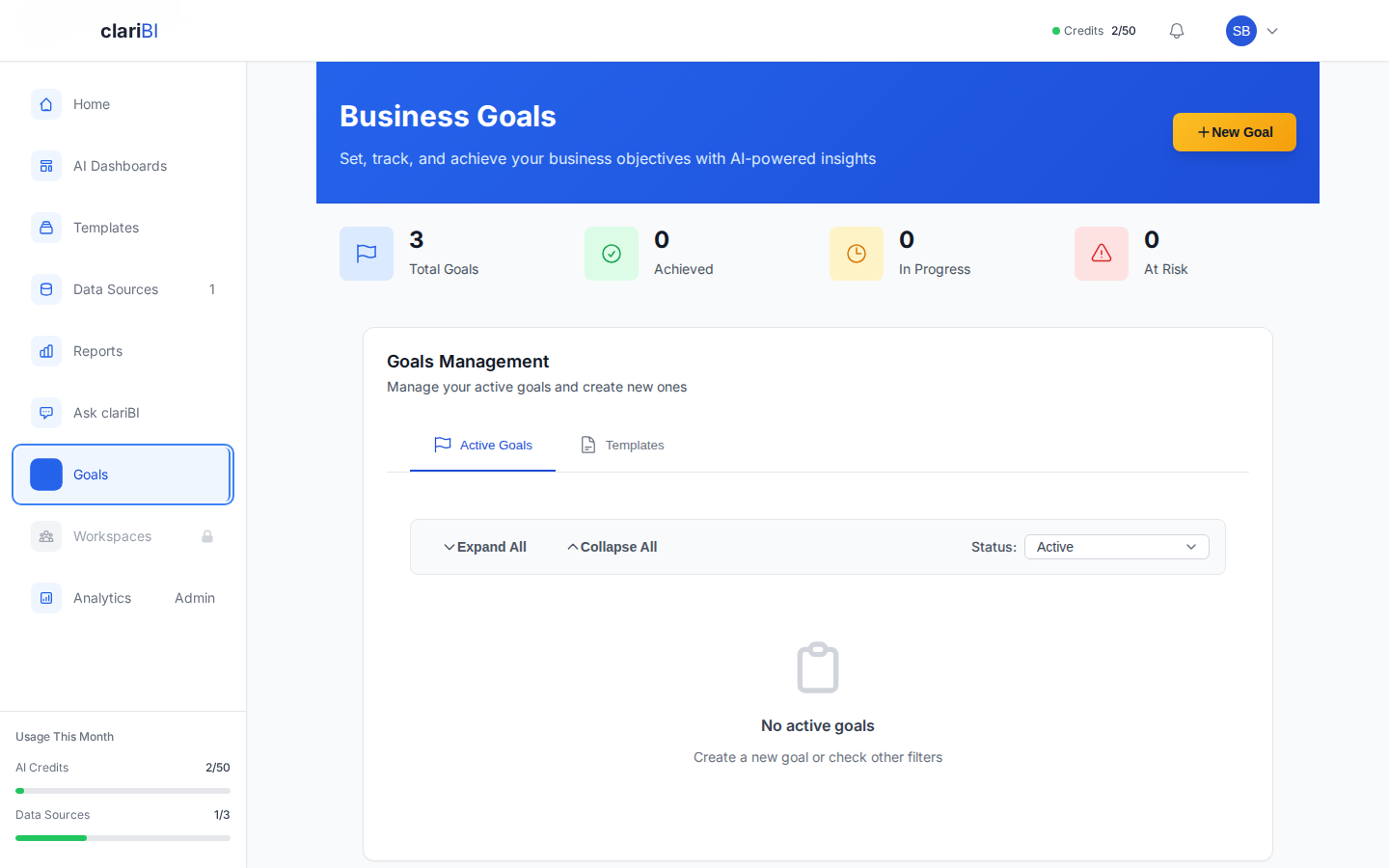
At the top you see Total Goals, Achieved, In Progress and At Risk. A goal is shown as at risk when its target date is within 7 days and it is below 80%. The Active Goals tab holds the tree with progress bars, days remaining and status; the Templates tab holds goal templates (see Goal templates).
Smart alerts
Each goal has a Smart Alerts setting. Alerts are not yet sent on a schedule, so check the Goals page for goals that are at risk.
Sharing goals
On Professional and Enterprise you can add a goal to a workspace, where members can see it and comment on it, and add collaborators to it. Goals can also be read through the REST API.
Writing good goals
"Improve sales" gives no target to track. "Increase monthly revenue from $80K to $100K by 30 June" does: a unit, a target and a date.
Related
Try it on your own data
The 14-day trial includes 50 AI credits and needs no card. When it ends you move to the Free plan and keep your data.