Every BI vendor now claims AI capabilities. "AI-powered insights." "Intelligent analytics." "Smart dashboards." But behind the marketing, what does AI actually do well in business intelligence today, and where does it fall short? This is an honest assessment based on where the technology stands in 2026, not where vendors say it will be someday.
AI Capabilities That Deliver Real Value Today
1. Natural Language Querying
The ability to ask questions about data in plain English and receive answers is genuine and useful. LLMs have reached the point where they handle most simple to moderately complex questions accurately. This is not a gimmick. It measurably reduces the time between having a question and getting an answer, especially for users who do not know SQL or are not trained on a specific BI tool's interface.
What it does well: Simple aggregations, filtering, grouping, time-based comparisons, basic trend identification.
Where it still struggles: Multi-step calculations, ambiguous business terms, queries that span complex data models with many joins.
Realistic expectation: Handles 70-80% of the questions a typical business user would ask. The other 20-30% need a trained analyst or a traditional BI tool.
2. Automated Anomaly Detection
AI systems that monitor metrics and alert when something unusual happens are genuinely useful. They do not replace human judgment for determining the cause or response, but they significantly reduce the time to detect problems.
What it does well: Identifying significant deviations from historical patterns, accounting for seasonality, monitoring hundreds of metrics simultaneously.
Where it still struggles: Distinguishing meaningful anomalies from noise, understanding business context (a holiday, a known promotion), providing false alarm rates low enough that users trust the alerts.
Realistic expectation: Catches 80-90% of genuine anomalies but generates false positives that require tuning. Expect to spend 2-4 weeks calibrating thresholds after initial setup.
3. Chart and Visualization Recommendations
AI that recommends appropriate chart types based on data structure works well. Given a time series, it suggests a line chart. Given categorical data, it suggests bars. Given a geographic dimension, it suggests a map. This is a solved problem for common data types.
What it does well: Choosing between standard chart types, formatting axes and labels appropriately, selecting reasonable color palettes.
Where it still struggles: Complex dashboard layouts, choosing between similar options (scatter vs. bubble), designing for specific audiences (executive vs. operational).
Realistic expectation: Gets the chart type right 85-90% of the time. Layout and design choices are a starting point that usually needs human adjustment.
4. Data Preparation Assistance
AI helps with data cleaning, type detection, join suggestions, and schema mapping. When connecting a new data source, AI can infer data types, suggest how tables relate to each other, and flag potential quality issues.
What it does well: Type inference, basic cleaning suggestions, identifying obvious join keys, detecting duplicates and missing values.
Where it still struggles: Complex transformations, business logic that is not visible in the data, understanding why data looks the way it does.
Realistic expectation: Reduces initial data preparation time by 30-50%. Does not eliminate the need for a data engineer on complex integrations.
AI Capabilities That Are Overpromised
1. "Automatic Insights"
Many vendors promise that AI will automatically surface important insights from your data. In practice, this usually means the system runs a set of statistical tests and reports whatever passes a significance threshold: "Revenue in the Northeast is 12% above average," "Product category X has the highest growth rate."
The problem: These observations are technically correct but often not actionable. "Revenue in the Northeast is above average" does not tell you why or what to do about it. Truly valuable insights require understanding business context, competitive dynamics, and operational realities that AI does not have.
Realistic expectation: Automated insights are useful as starting points for investigation. They tell you where to look, not what to conclude. Treat them as a "things worth checking" list, not as finished analysis.
2. Predictive Analytics
AI-powered forecasting exists and works, but with important caveats that vendors often gloss over:
- Predictions are only as good as historical patterns. If the future differs from the past (new competitor, economic shift, regulatory change), the forecast will be wrong.
- Confidence intervals matter more than point predictions. A forecast of "$1.2M next quarter" is meaningless without knowing it could range from $900K to $1.5M.
- Short-term predictions are far more reliable than long-term ones. Next week's revenue is predictable. Next year's is a guess.
Realistic expectation: AI forecasting outperforms simple linear extrapolation for short-term predictions with strong historical patterns. It does not predict the future in any meaningful sense for strategic planning.
3. "Self-Service Analytics for Everyone"
The claim that AI eliminates the need for data literacy is misleading. AI lowers the barrier to accessing data, but it does not eliminate the need to understand what the data means. A user who does not understand the difference between revenue and profit will misinterpret AI-generated answers about both.
Realistic expectation: AI expands data access to people with moderate data literacy. It does not make a data-illiterate person into an effective analyst. Investment in data literacy training is still necessary.
4. Fully Automated Reporting
As discussed in our article on AI reports, automated report generation is useful for drafts but should not be distributed without human review. Causal claims, missing context, and recommendation quality remain weak points.
How to Evaluate AI in BI Tools
When a vendor demonstrates AI capabilities, ask these questions:
Test With Your Data
Demo environments use clean, well-structured data. Your data has quirks, inconsistencies, and edge cases. Always evaluate with your actual data.
Ask About Accuracy Rates
If the vendor claims "AI-powered insights," ask what percentage of insights are accurate and actionable. If they cannot answer with data, the feature is not mature.
Test Edge Cases
Ask ambiguous questions: "How are we doing?" "Show me the important metrics." See how the system handles ambiguity. Does it ask for clarification? Does it guess? Is the guess reasonable?
Check for Explainability
Can you see the query the AI generated? Can you understand why it chose a particular chart? Transparency is essential for trust.
Evaluate the Learning Curve
"No training required" usually means "basic queries require no training." How long does it take a user to handle moderately complex analysis?
Understand the Pricing Model
AI features often consume compute resources (LLM API calls, ML model training). Understand whether AI usage affects your bill, especially at scale.
Where AI in BI Is Heading
Looking at the trajectory rather than making bold predictions:
- Natural language accuracy will continue improving. LLMs are getting better at complex queries, multi-turn conversations, and handling ambiguity. This is the most reliable trend.
- Anomaly detection will become standard. Every BI tool will include basic anomaly detection within two years. Differentiation will shift to accuracy and false alarm rates.
- Semantic layers will mature. The gap between business language and technical schema is the primary source of errors. Tools that invest in better semantic layers will produce better AI results.
- Human-AI collaboration patterns will emerge. Instead of replacing analysts, AI will augment them: generating drafts, surfacing patterns, handling routine queries, freeing analysts for complex judgment-intensive work.
How clariBI Approaches AI
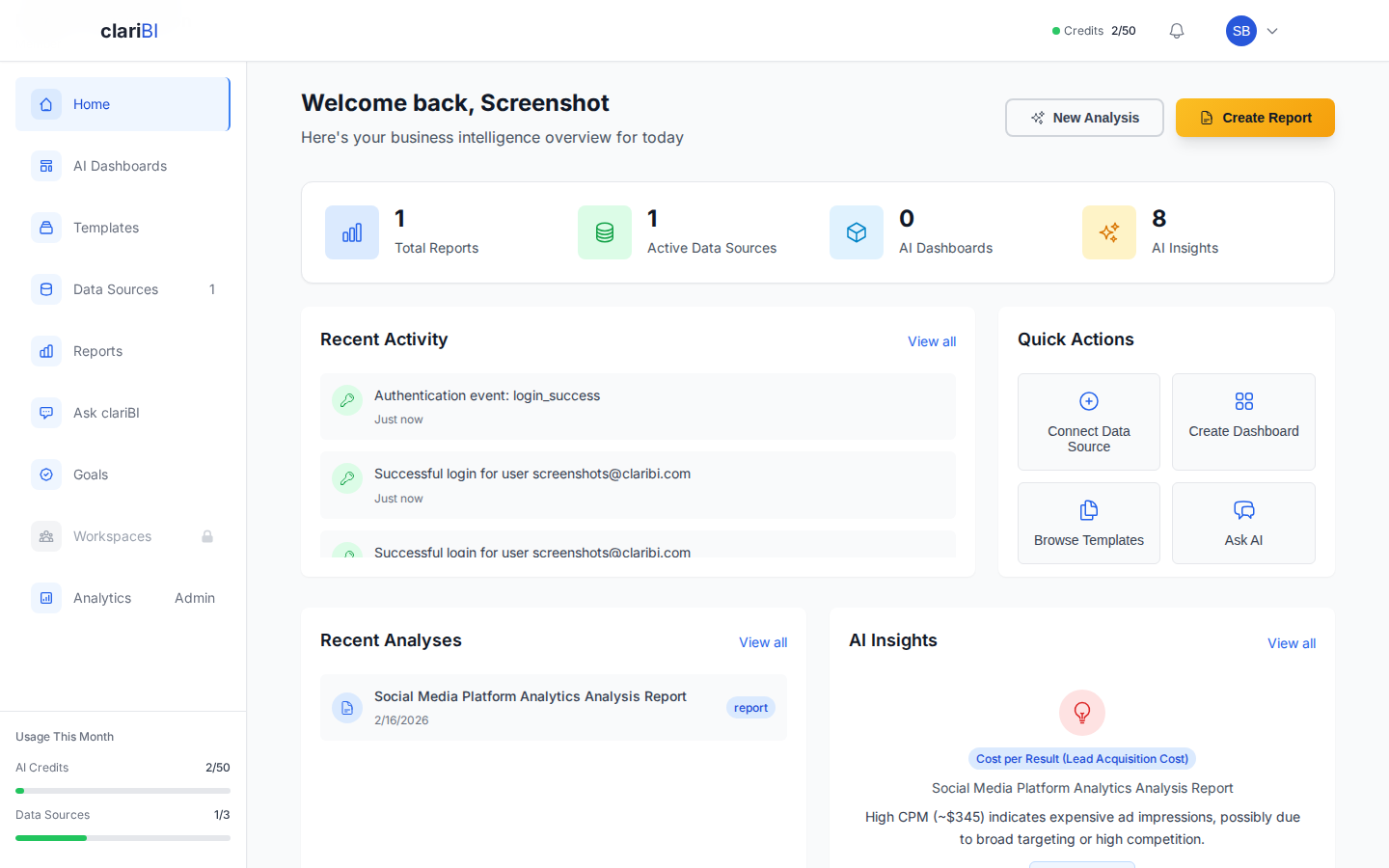
clariBI's AI philosophy is practical rather than aspirational:
- Conversational analytics for the 70-80% of questions it handles well, with detailed analysis breakdowns so you can understand the reasoning.
- Template-based analysis for complex use cases (cohort analysis, segmentation, funnel analysis) where pre-validated analytical patterns outperform ad-hoc AI generation.
- AI-assisted reporting that generates drafts for human review rather than fully automated distribution.
- Dashboards with configurable refresh intervals for ongoing monitoring of key metrics.
- Chart recommendations that suggest appropriate visualizations while leaving final design decisions to the user.
We deliberately do not promise that AI will replace your analysts or automatically discover business insights. It accelerates work. It expands access. It catches things humans miss. But it works best as a tool in the hands of thoughtful users, not as an autonomous oracle.
Conclusion
AI in BI is real and valuable, but the gap between marketing claims and practical reality is still significant. The most productive approach: adopt AI capabilities that are genuinely mature (natural language querying, anomaly detection, chart recommendations), maintain realistic expectations about capabilities that are still developing (automated insights, predictions), and invest in data literacy alongside AI tools. The organizations getting the most value from AI in BI are those that treat it as a powerful assistant, not a replacement for human analytical judgment.