Template library
Last reviewed against the app on 24 September 2026
Templates are ready-made analyses. A template knows which business question it answers, which metrics and charts belong in the answer and what kind of data it needs. You bring the data source.
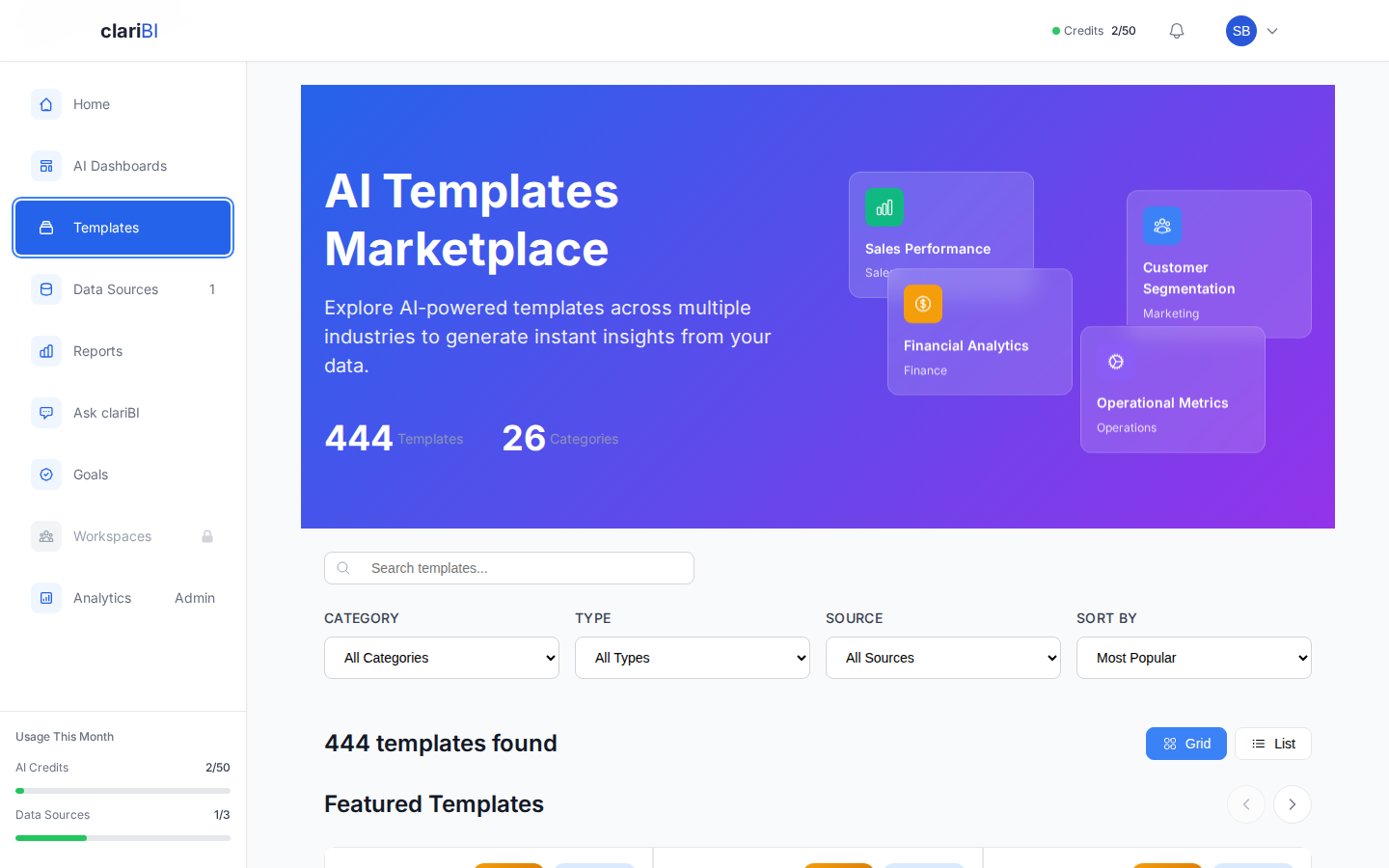
What is in the library
The built-in library has 378 templates: 320 report templates and 58 dashboard templates, in 27 categories. The largest categories are Marketing, Operations and Product Analytics; others include Sales and CRM, Finance and Accounting, HR and People, E-commerce and Retail, Healthcare, Education, Manufacturing, Transportation and Logistics, Project Management and Government.
Finding a template
Click Templates in the sidebar. The page shows featured templates first, then the full list. You can narrow it with:
- Search by keyword, for example "churn" or "pipeline".
- Category.
- Type: Dashboards or Reports.
- Source: Official Templates or Community Templates.
- Sort: Most Popular, Newest First or A-Z.
Each card shows what the template analyses, its type, its category and the kinds of data source it works with.
Using a template
- Click Use Template on a card.
- A report template opens the Reports page, and a dashboard template the AI Dashboards page, with the template selected.
- Pick the data sources to run it on.
- Start the generation. clariBI maps the template's metrics to your columns, calculates them and writes the text.
Running a template uses AI credits. The numbers come from calculations on your data, and every sentence that quotes a figure is checked against the chart data before it is saved; see the AI overview. If a metric has no matching data, it is shown as having no data rather than filled with a guess.
After it runs
The result is an ordinary report or dashboard. You can edit a dashboard's widgets, share either one, download a report as PDF and schedule reports (Professional and Enterprise). The template itself is not changed.
Plans
The template library is part of the Starter, Professional and Enterprise plans, and the trial sees what Starter sees. On Lite, the dashboard templates are available in manual mode: you choose the column for each chart and no AI is used. Free does not include templates. A few templates are marked for Professional or Enterprise and only appear on those plans.
Related
Try it on your own data
The 14-day trial includes 50 AI credits and needs no card. When it ends you move to the Free plan and keep your data.