AI Analytics Overview
Estimated reading time: 4 minutes
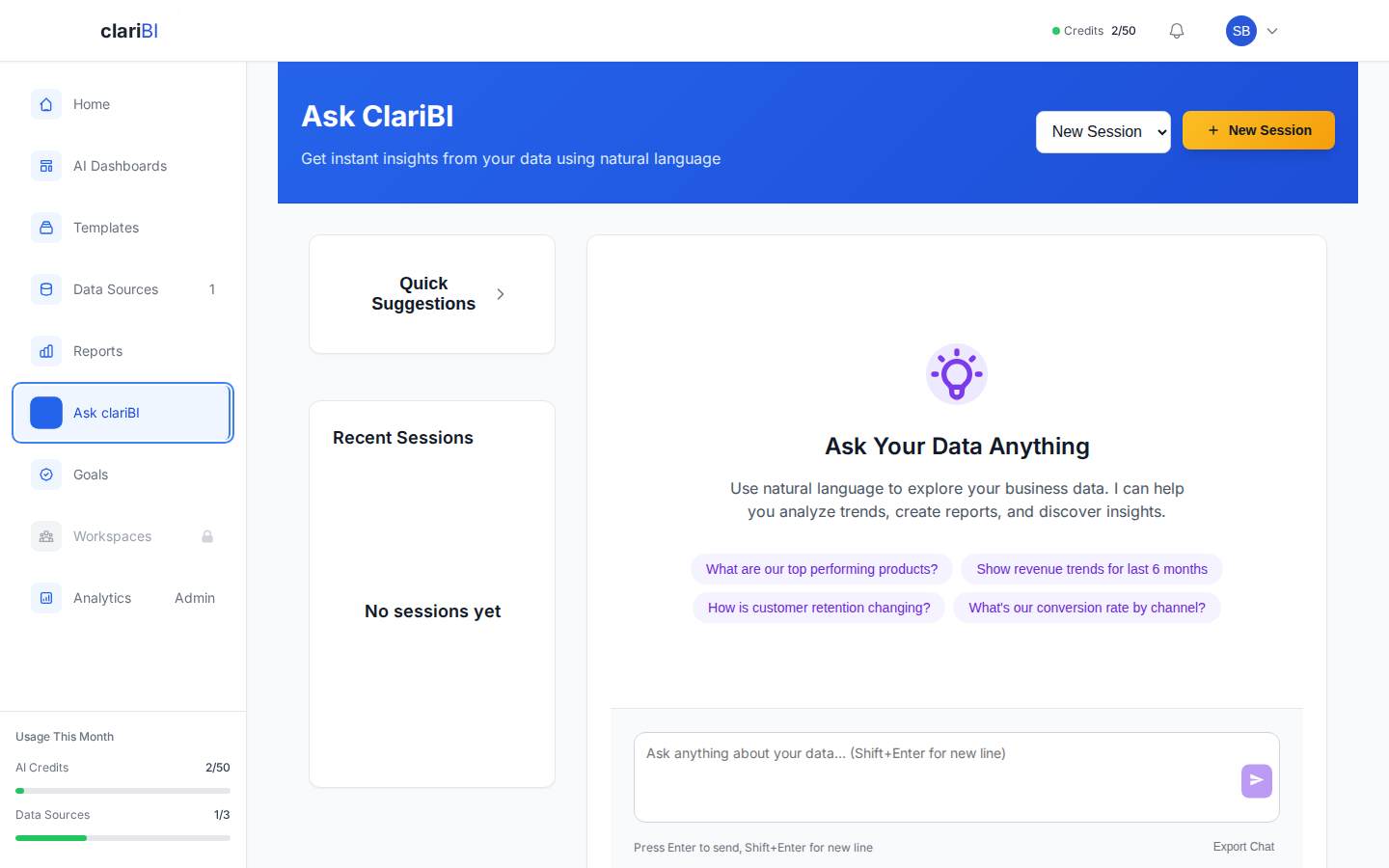
clariBI uses advanced AI models to analyze your data through natural language. Ask questions in plain English, get answers as charts and written analysis.
What Can the AI Do?
- Answer questions about your connected data in natural language
- Generate charts automatically based on your data and question
- Produce reports with executive summaries, findings, and recommendations
- Recommend visualizations based on your data structure
- Follow up on previous questions to drill deeper into findings
How It Works (Simplified)
- You type a question or select a template
- clariBI pulls relevant data from your connected sources
- The data and your question are sent to the AI engine for analysis
- The AI returns structured results: text analysis, data tables, chart specifications
- clariBI renders the results as readable charts and formatted text
AI Credit System
Every AI interaction consumes credits from your monthly allocation. Credits are calculated based on the complexity of each analysis. Your allocation depends on your plan:
- Free: 0 credits (AI Conversational Analytics not available)
- Trial: 50 credits (14 days, full feature access)
- Lite: 0 credits (manual dashboards only, no LLM calls)
- Starter: 500 credits / month
- Professional: 1,500 credits / month
- Enterprise: 5,000 credits / month
Free and Lite tiers don't include AI credits. They're for users who want pre-computed dashboards (Free) or manual deterministic dashboards (Lite) without LLM-powered analysis. Trial / Starter / Professional / Enterprise all get the full AI engine including the MCP catalog. Need more credits on a paid plan? Purchase add-on credit packs from Settings → Billing.
What the AI Is Not
It is important to understand the boundaries. The AI:
- Does not have access to data you have not connected to clariBI
- Can make mistakes, especially with ambiguous questions or messy data
- Is not a substitute for domain expertise; always validate findings
- Cannot modify your source data (it is read-only analysis)
See AI Limitations for a thorough discussion.
Getting Started
- Conversational Analytics - the chat interface
- Writing Better Queries - get more accurate results
- Chart Recommendations - how AI picks chart types
- AI Limitations - what to watch for
Ready to try clariBI?
Start your free 14-day trial. No credit card required.