Ask clariBI
Last reviewed against the app on 24 September 2026
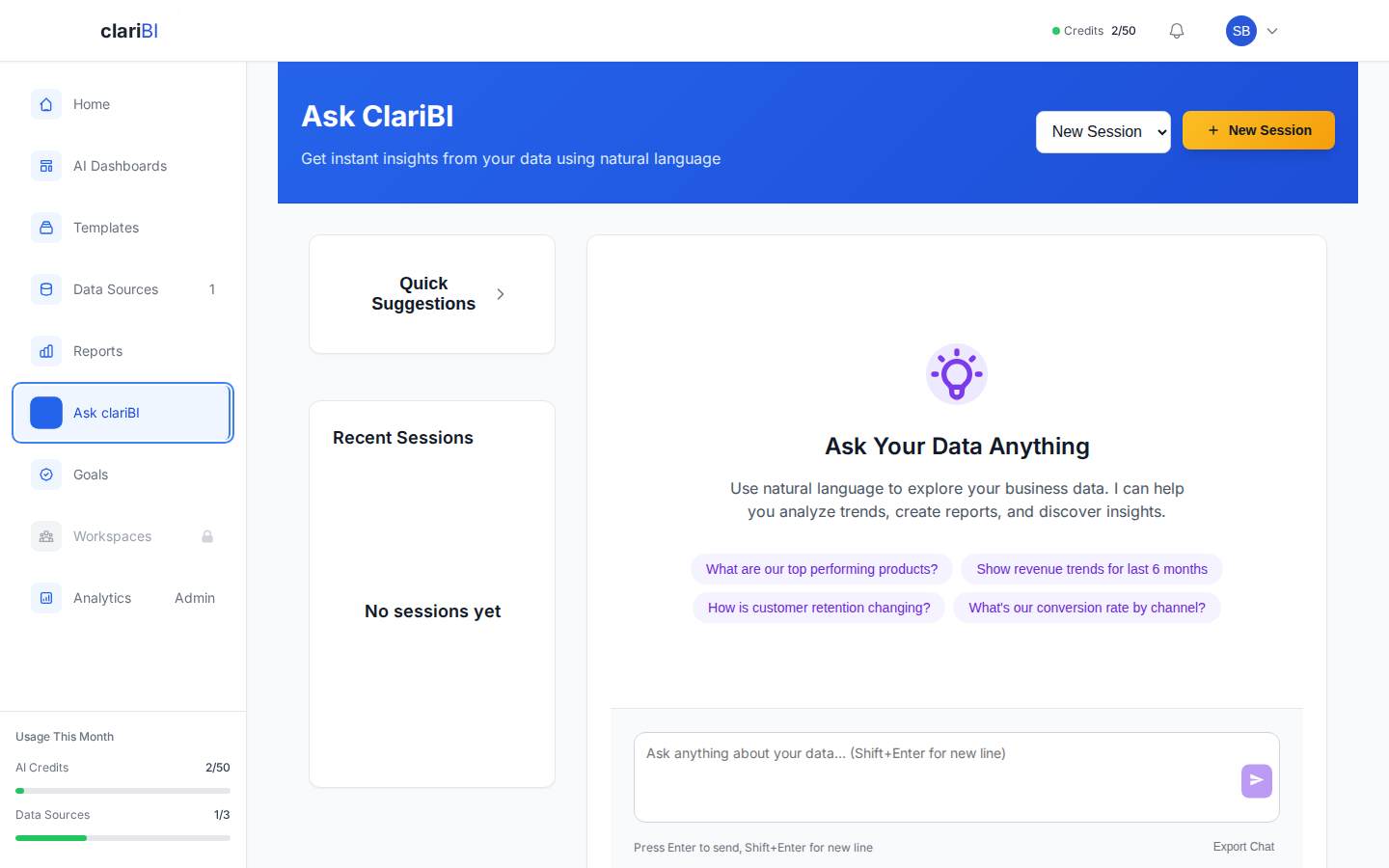
Ask clariBI is the question screen. You type a question about your connected data in plain English and get back a chart and a short written summary.
Before you start
- A plan with AI: Trial, Starter, Professional or Enterprise. Free and Lite have no AI credits.
- At least one connected data source that has finished its first sync.
- AI credits left for the month.
Open it
Click Ask clariBI in the left sidebar. Past sessions are listed under Recent Sessions; the question box is at the bottom of the chat.
Sessions and data sources
Each conversation is a session. Click New Session, give it a name and pick the data sources it should use. If you pick none, the session uses all your data sources. You can rename a session, change its sources or delete it later from the session settings.
Follow-up questions in the same session keep the earlier context, so "Break that down by month" works after "Top 5 products by revenue last quarter". A new session starts without context.
Asking a question
Type the question and press Enter (Shift+Enter adds a new line). Some examples:
What were our top 5 products by revenue last quarter?
Show monthly new customers for the past 12 months.
What is the average order value by region?
Compare ad spend and revenue by channel for June.
Which support categories take longest to resolve?
How long an answer takes depends on how much data is in scope. While it is running you can click Stop; the run is cancelled and no further credits are charged for it.
What comes back
- A summary of what the numbers show.
- A chart or table drawn from the calculated results. See how charts are chosen.
- Suggested follow-up questions you can click.
- Time and credits used, shown under each reply.
The figures are calculated from your data by code, then described by the model. Chat answers do not go through the number check that AI dashboards and reports get, so check the chart when a figure matters. See AI limitations.
If you ask for a forecast ("forecast revenue for next quarter"), the reply shows a card that opens a matching forecast or offers to create one. Forecasting needs Starter or higher.
If something is missing, the reply says so and offers the fix: no data sources connected, sources still empty, or no credits left.
Saving and exporting
- Save as Report turns the session into a report on the Reports page, which you can then share or download as PDF.
- Export Chat downloads the conversation, questions and answers, as a Markdown file.
Credits
Each answer uses AI credits based on how much text the model reads and writes. Every answer costs at least 1 credit, and the exact amount is shown under the reply. Questions over many sources or long time ranges use more. See AI overview for how credits are counted.
Tips
- Name the metric, the grouping and the period: "revenue by product for Q4 2025" works better than "show me revenue".
- Use your column names if you know them.
- Ask one thing at a time and use follow-ups to drill down.
- Keep a session to the sources that matter for the question.
More in Writing better questions.
Related
Try it on your own data
The 14-day trial includes 50 AI credits and needs no card. When it ends you move to the Free plan and keep your data.