Customer segmentation is one of the highest-ROI analytics activities a business can undertake. Instead of treating every customer the same, segmentation lets you tailor marketing, pricing, and service to groups with distinct behaviors and needs. This tutorial walks through the most practical segmentation methods, starting with RFM analysis and building toward more sophisticated behavioral approaches.
Why Segmentation Matters
A one-size-fits-all approach to customers is wasteful. Consider the difference:
- Sending a 20% discount to a customer who would have bought at full price costs you margin.
- Sending a loyalty reward to a customer who has not purchased in a year is too late; they needed attention six months ago.
- Investing customer success time in a $50/month account while a $5,000/month account has unanswered support tickets is a resource allocation problem.
Segmentation addresses all of these by grouping customers into buckets that need different treatment. The result: higher retention, better conversion rates, and more efficient marketing spend.
Method 1: RFM Analysis
RFM stands for Recency, Frequency, and Monetary value. It is the most widely used segmentation method because it is simple, requires only transaction data, and produces immediately actionable segments.
The Three Dimensions
- Recency (R): How recently did the customer make a purchase? A customer who bought yesterday is more engaged than one who last bought six months ago.
- Frequency (F): How often does the customer purchase? A customer who buys monthly is more loyal than one who has bought once.
- Monetary (M): How much does the customer spend? A $10,000/year customer is more valuable than a $100/year customer.
Step-by-Step RFM Implementation
Step 1: Gather Transaction Data
You need three columns: customer ID, transaction date, and transaction amount. Export this from your e-commerce platform, CRM, or billing system.
Step 2: Calculate RFM Values
For each customer, calculate:
- Recency: Days since last purchase (lower is better)
- Frequency: Total number of purchases in your analysis window (e.g., last 12 months)
- Monetary: Total spend in the same window
Step 3: Score Each Dimension
Divide customers into quintiles (5 equal groups) for each dimension. The top 20% of spenders get a Monetary score of 5, the next 20% get 4, and so on. For Recency, the most recent buyers get 5.
-- SQL example for calculating RFM scores
WITH rfm_raw AS (
  SELECT
    customer_id,
    DATEDIFF(CURRENT_DATE, MAX(order_date)) AS recency_days,
    COUNT(DISTINCT order_id) AS frequency,
    SUM(order_total) AS monetary
  FROM orders
  WHERE order_date >= DATEADD(YEAR, -1, CURRENT_DATE)
  GROUP BY customer_id
),
rfm_scored AS (
  SELECT
    customer_id,
    recency_days,
    frequency,
    monetary,
    NTILE(5) OVER (ORDER BY recency_days DESC) AS r_score,
    NTILE(5) OVER (ORDER BY frequency ASC) AS f_score,
    NTILE(5) OVER (ORDER BY monetary ASC) AS m_score
  FROM rfm_raw
)
SELECT
  customer_id,
  r_score,
  f_score,
  m_score,
  CONCAT(r_score, f_score, m_score) AS rfm_segment
FROM rfm_scored;
Step 4: Define Segments
With three scores from 1-5, you have 125 possible combinations. In practice, you group these into 6-10 actionable segments:
| Segment | RFM Pattern | Description | Action |
|---|---|---|---|
| Champions | R:5 F:5 M:5 | Recent, frequent, high-value buyers | Reward, ask for referrals, early access to new products |
| Loyal Customers | R:3-5 F:4-5 M:3-5 | Buy regularly, decent value | Upsell, loyalty programs, personalized offers |
| Potential Loyalists | R:4-5 F:2-3 M:2-3 | Recent buyers with growth potential | Onboarding sequences, cross-sell, engagement campaigns |
| New Customers | R:5 F:1 M:1-2 | Just made first purchase | Welcome series, education, first-repeat incentive |
| At Risk | R:2-3 F:3-5 M:3-5 | Were good customers, slipping away | Win-back campaigns, personal outreach, special offers |
| Cannot Lose Them | R:1-2 F:4-5 M:4-5 | Top customers who stopped buying | Urgent personal outreach, surveys, high-value incentives |
| Hibernating | R:1-2 F:1-2 M:1-2 | Low activity across all dimensions | Re-engagement email, last-chance offer, or accept churn |
Method 2: Behavioral Segmentation
RFM only looks at purchase transactions. Behavioral segmentation expands the lens to include all customer actions: website visits, feature usage, support interactions, content engagement, and more.
Behavioral Dimensions to Track
- Product usage patterns: Which features do they use? How deeply? How often?
- Engagement level: Email open rates, login frequency, content consumption
- Support behavior: Ticket volume, self-service vs. agent contact, satisfaction scores
- Channel preferences: Mobile vs. desktop, which marketing channels they respond to
- Journey stage: Onboarding, active growth, mature usage, declining
Building Behavioral Segments
Approach A: Rule-Based Segments
Define segments using explicit criteria. This is transparent and easy to understand:
- Power Users: Log in daily, use 5+ features, create 3+ reports per week
- Casual Users: Log in weekly, use 1-2 features, primarily view shared reports
- Struggling Users: Logged in fewer than 3 times in 30 days, opened 2+ support tickets
- Dormant Users: No login in 30+ days, no support contact
Rule-based segments are best when you have clear hypotheses about what behaviors matter and when the business needs to understand exactly why a customer is in a particular segment.
Approach B: Clustering Algorithms
When you have many behavioral dimensions and do not know which combinations matter, clustering algorithms like K-Means can discover natural groupings in your data:
- Select behavioral features: login frequency, feature usage counts, support tickets, etc.
- Normalize the data so all features are on the same scale.
- Run K-Means with different values of K (typically 3-8 clusters for customer segmentation).
- Evaluate clusters using the elbow method or silhouette score.
- Profile each cluster: look at the average values for each feature and name the cluster based on its dominant characteristics.
The advantage of clustering is that it can reveal segments you did not expect. The disadvantage is that clusters can be hard to interpret and may not align with actionable business categories. Always validate algorithmic segments with business stakeholders before acting on them.
Method 3: Value-Based Segmentation
This approach groups customers by their economic value to your business. It is especially useful for resource allocation decisions.
Customer Lifetime Value (CLV) Tiers
- Platinum (top 5%): Your most valuable customers. These accounts justify dedicated account managers, custom solutions, and premium support.
- Gold (next 15%): High-value customers with growth potential. Invest in expansion and retention.
- Silver (next 30%): Solid, profitable customers. Serve efficiently with scalable programs.
- Bronze (bottom 50%): Lower-value customers. Serve through self-service and automated programs. Identify those with growth potential and invest selectively.
Calculating Simple CLV
CLV = Average Order Value x Purchase Frequency x Average Customer Lifespan

Example:
  Average Order Value: $85
  Purchases per Year: 4.2
  Average Lifespan: 3.1 years
  CLV = $85 x 4.2 x 3.1 = $1,107
For subscription businesses, the calculation simplifies to: CLV = Average Monthly Revenue per Customer / Monthly Churn Rate.
Method 4: Demographic and Firmographic Segmentation
For B2B companies, firmographic data adds another segmentation layer:
- Company size: SMB, mid-market, enterprise
- Industry: Different industries have different needs and buying patterns
- Geography: Region-specific behavior, compliance requirements, currency
- Technology stack: What tools they already use affects integration needs
- Growth stage: Startup, growth, mature, declining
Firmographic segmentation is most useful for sales and marketing targeting. Combine it with behavioral data for a complete picture: a fast-growing SaaS company with 200 employees that actively uses your reporting features is a very different account than a declining retail chain of the same size that only logs in monthly.
Putting Segments to Work
Marketing Automation
Map segments to email campaigns, ad audiences, and content strategies. Champions get referral program invitations. At-risk customers get win-back sequences. New customers get onboarding drips.
Sales Prioritization
Route high-value, high-engagement leads to your best salespeople. Use segment data to prioritize outreach and tailor pitch decks.
Product Development
Understand which features matter to your most valuable segments. If your champions all use a specific feature, invest in improving it. If a large segment never touches a feature, investigate why.
Customer Success
Assign support tiers based on customer value. Proactively reach out to at-risk segments before they churn. Customize onboarding for different segment needs.
How clariBI Supports Segmentation
clariBI provides several tools that make segmentation practical:
- Data Integration: Connect your CRM, billing, support, and product usage data in one place. Segmentation requires combining data from multiple sources, and clariBI handles the connections.
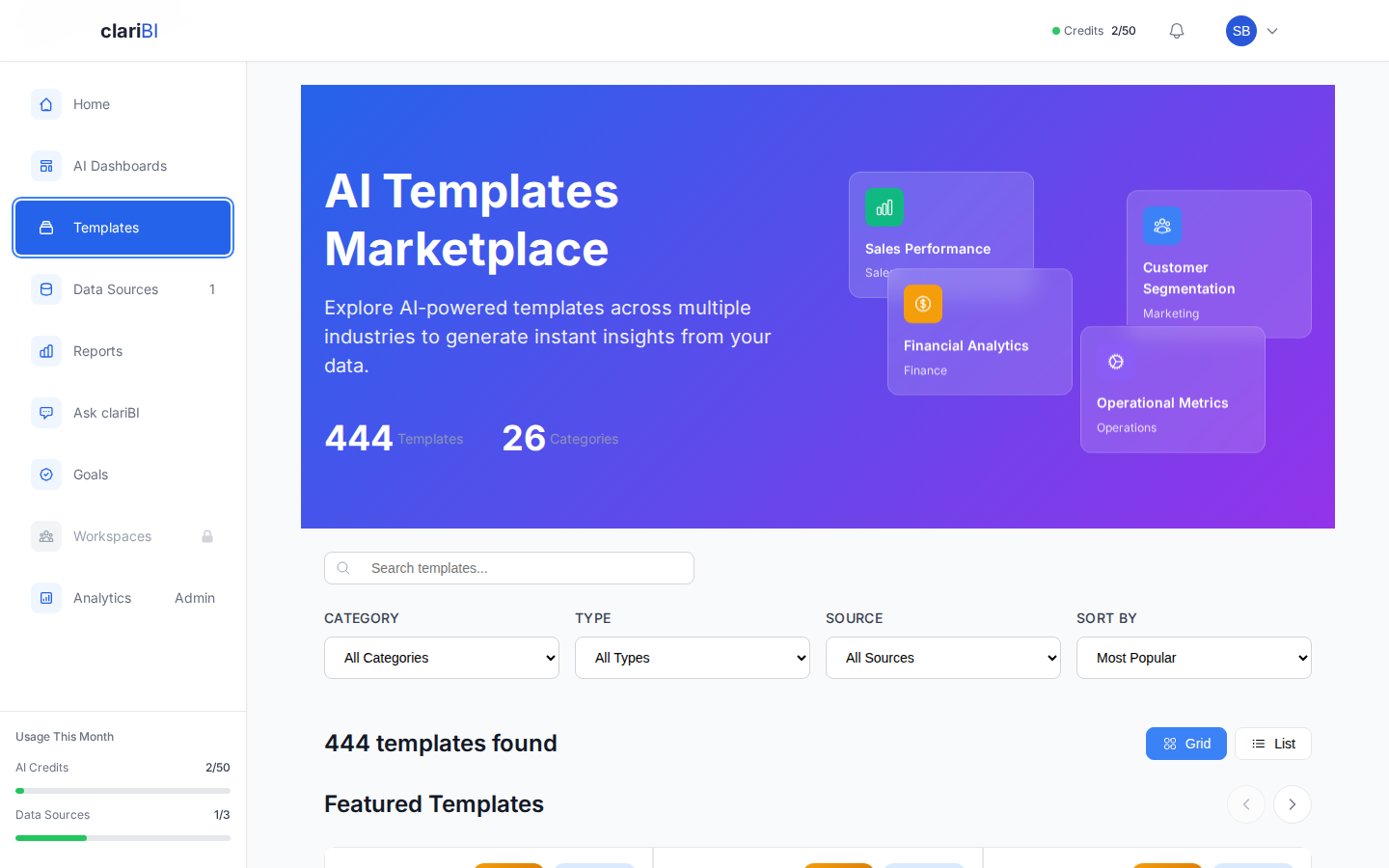
- Pre-Built Segmentation Templates: Start with RFM analysis templates and customer value dashboards. Customize them for your specific business rules.
- AI-Powered Insights: Ask questions like "Which customer segments have the highest churn risk?" in natural language and get actionable answers.
- Cohort Analysis: Track how segments evolve over time. Are your Champions from last quarter still Champions? Is your At Risk segment growing or shrinking?
Common Segmentation Mistakes
- Too many segments: If you have 25 segments, you cannot realistically tailor your approach to each one. Aim for 5-8 actionable segments.
- Segments without actions: Every segment should have a clear "so what." If you cannot describe what you would do differently for a segment, merge it with another.
- Static segmentation: Customers move between segments. Re-run your segmentation monthly or quarterly. A Champion who stops buying needs to be reclassified before it is too late.
- Ignoring small but valuable segments: Your top 5% of customers might generate 40% of revenue. Even if the segment is small, it deserves attention.
- Analysis without implementation: The best segmentation model is worthless if marketing never uses it. Involve execution teams from the start.
Getting Started: A 30-Day Plan
- Week 1: Export transaction data. Calculate RFM scores. Create initial segments.
- Week 2: Profile each segment. Calculate segment sizes and revenue contribution. Identify your Champions and At-Risk groups.
- Week 3: Design one action per segment: a campaign, an outreach plan, or a product change.
- Week 4: Launch actions. Set up tracking to measure results. Schedule the next segmentation refresh.
You do not need perfect data or sophisticated algorithms to start. RFM analysis with basic transaction data will give you more insight than most businesses act on. Start there, prove value, then layer in behavioral and value-based approaches as your data and capabilities mature.
Conclusion
Customer segmentation is not a one-time project. It is an ongoing practice that improves as your data gets richer and your understanding of customer behavior deepens. Start with RFM because it is simple and immediately useful. Add behavioral dimensions as you mature. And always tie segments to specific actions, because insight without action is just trivia.