Video tutorials
Short videos of clariBI in use: connecting data, asking questions, AI dashboards, reports, sharing, goals, workspaces and forecasting.
Short recordings of the main things you do in clariBI, made in a real account with demo sales data. They have no sound. Click a picture to watch the video on the tutorials page.
Connect a data source
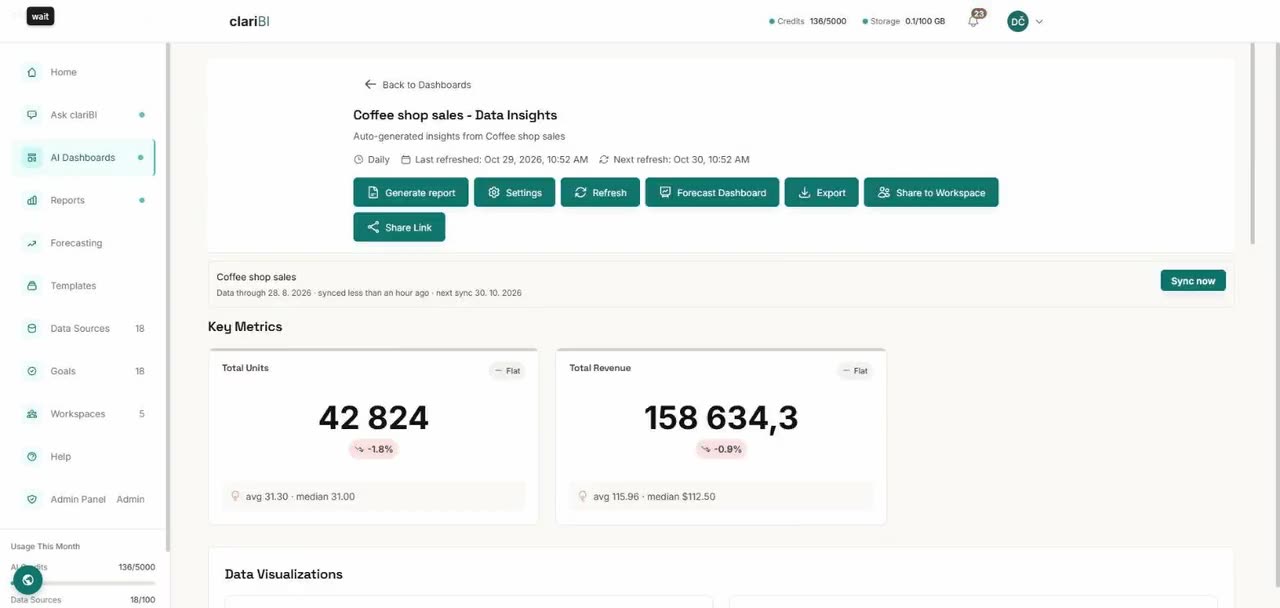
Upload a CSV under Settings → Integrations. clariBI syncs it and builds a dashboard of its key metrics on its own.
Ask a question
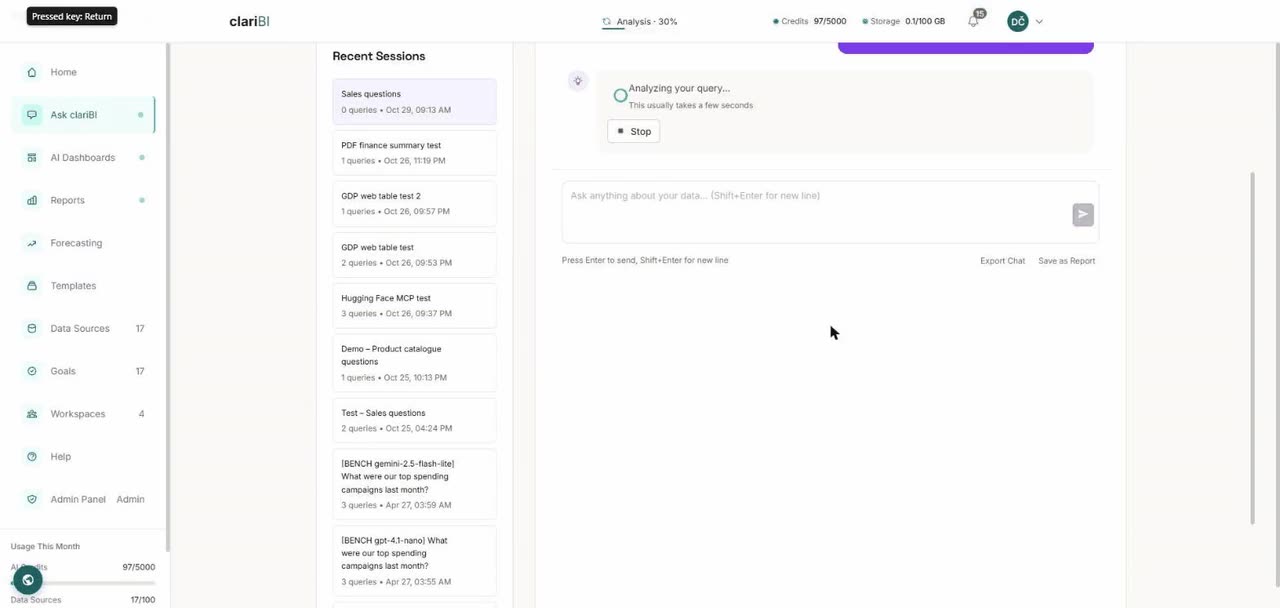
Start a session on Ask clariBI, pick the data sources and ask in plain English. The answer comes with a chart of the numbers it used.
Create an AI dashboard
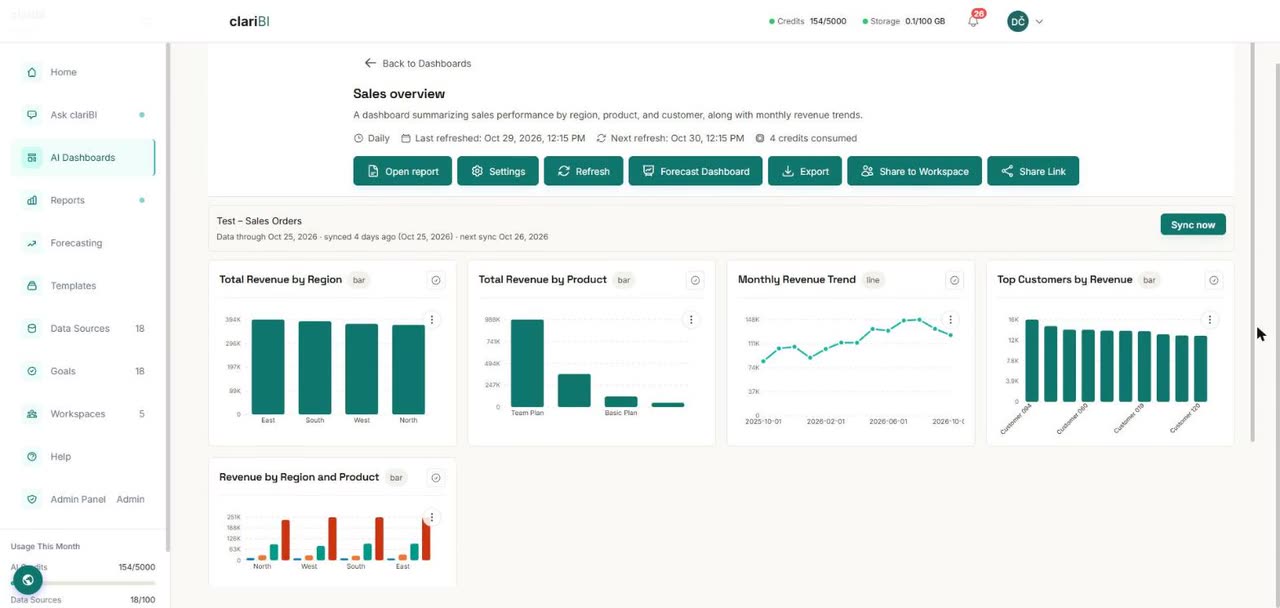
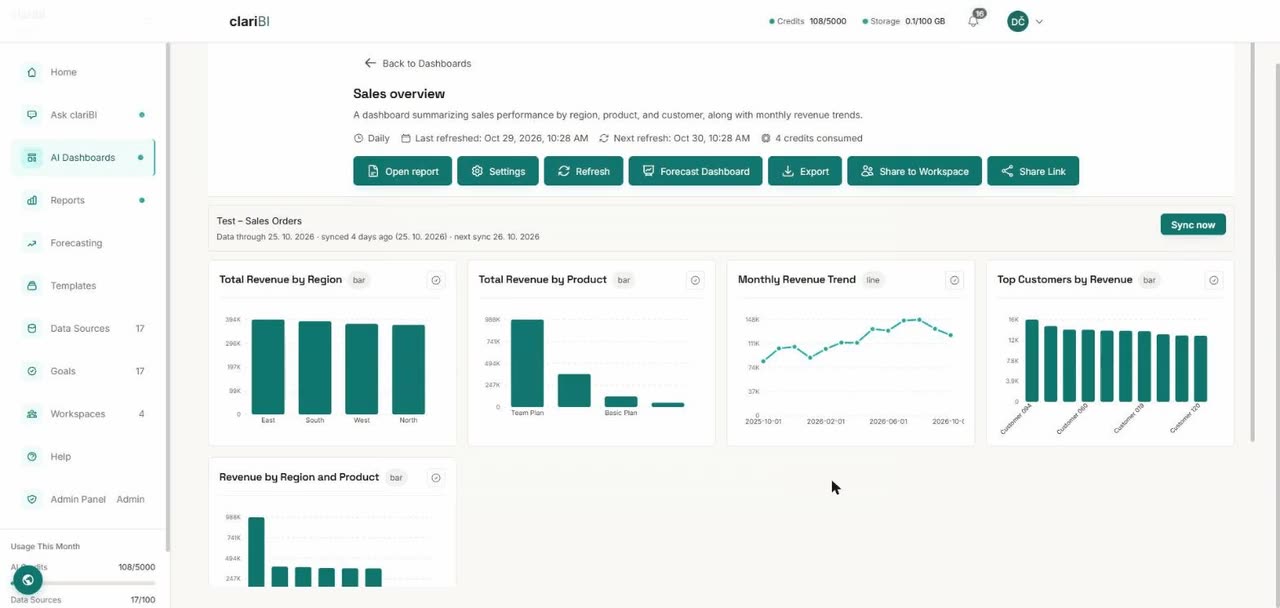
Describe the dashboard you want, choose the sources, and clariBI lays out the charts.
Generate a report
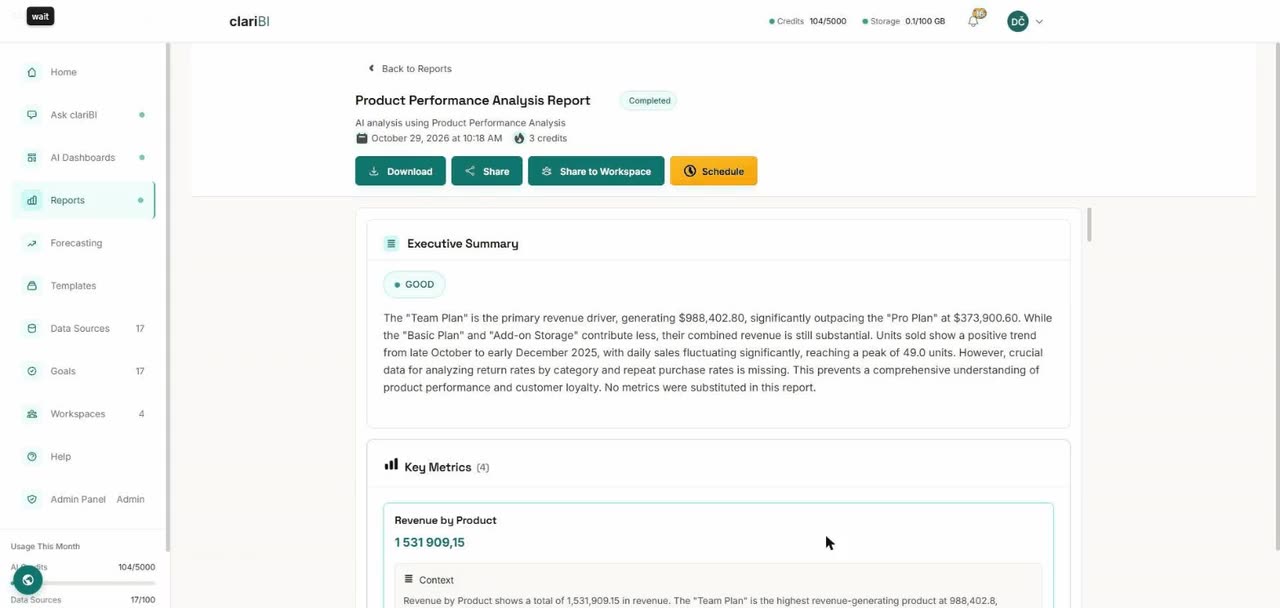
Pick a template, choose the data sources with the Recommended badge, name the report and generate it.
Share a dashboard
Create a public link to a dashboard so people outside your team can view it without an account.
Track a goal
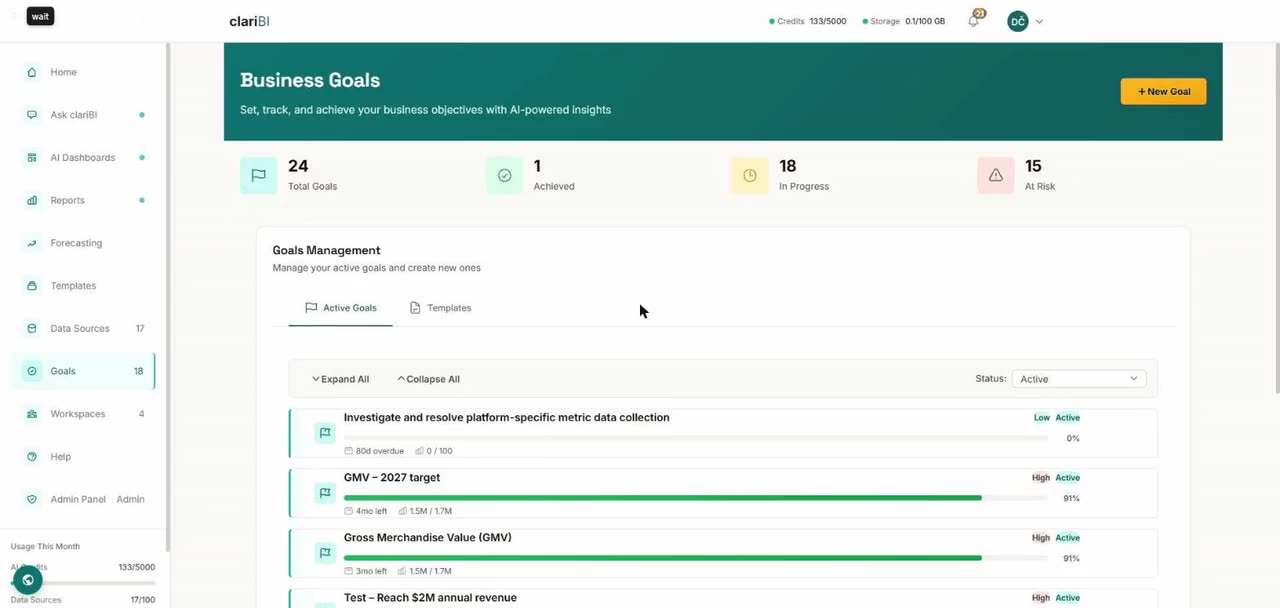
Turn a metric into a goal with a target and a deadline; progress updates from your data.
Work together in a workspace
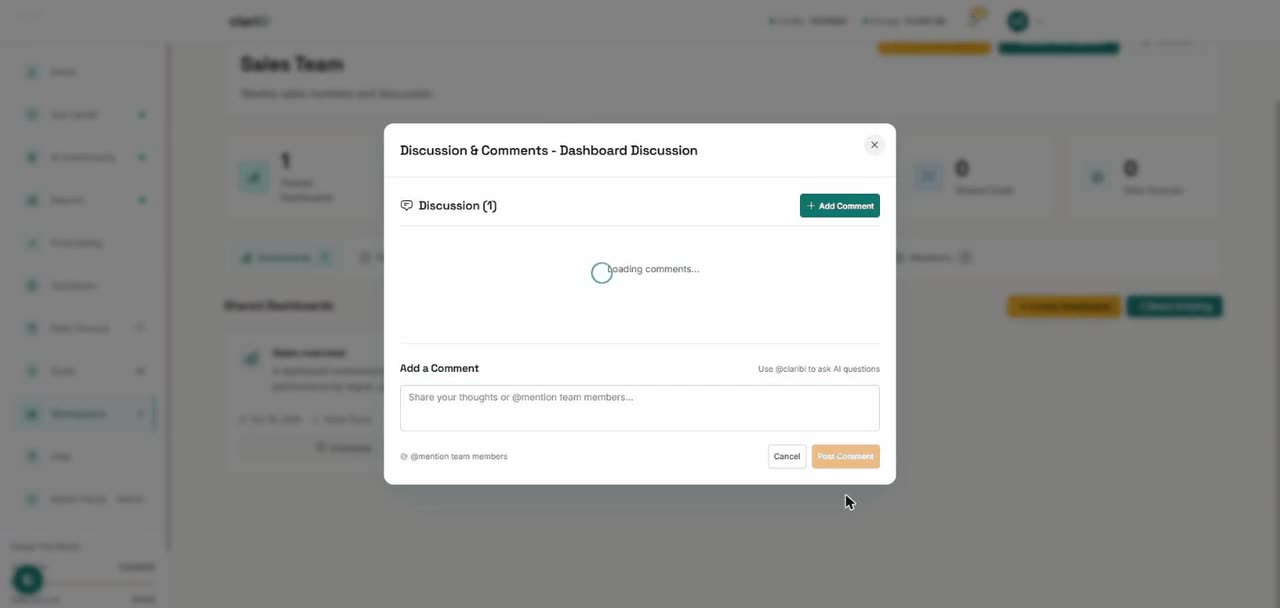
Create a team workspace, share a dashboard into it and ask @claribi a question in the comments.
Forecast a dashboard
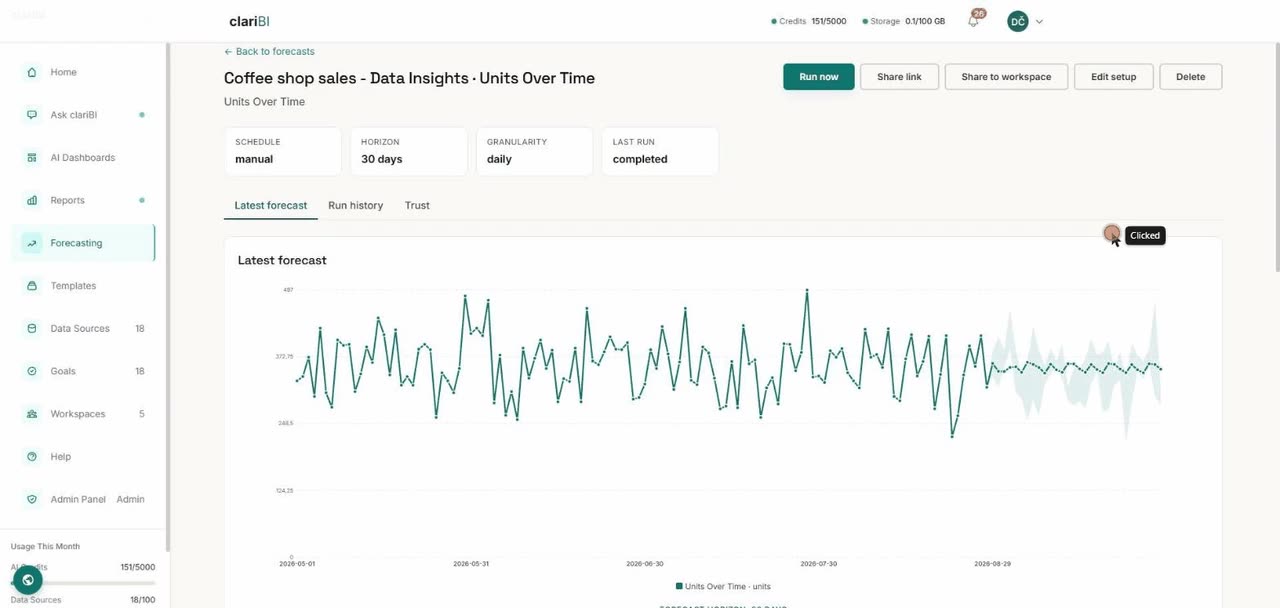
Forecast every trend on a dashboard in one run and read the projection with its confidence range.
All eight videos are on one page: clariBI video tutorials.