REST API Sources
Estimated reading time: 8 minutes
If clariBI doesn't have a built-in connector and the vendor isn't in the MCP catalog, you can connect any HTTPS endpoint as a custom data source. Two paths: Custom MCP (preferred, read-only by protocol, OAuth 2.1 + DCR auth) for vendors with an MCP server, or REST API (legacy) for everything else.
Decision Tree: Which Path to Use
- Vendor in the live MCP catalog? Use it directly. See MCP Integrations.
- Vendor publishes an MCP server but isn't in the catalog yet? Use Custom MCP and point clariBI at the MCP endpoint URL. Auto-discovers OAuth metadata via the well-known endpoint and registers dynamically (DCR). The recommended path: same security guarantees as catalog vendors, no schema mapping needed.
- Vendor has a plain REST API only? Use the REST API connector below. You point at a specific endpoint URL, paste an API key, and clariBI handles fetching + pagination.
- Internal API serving your own business data? Either path works. Use Custom MCP if you can stand up an MCP wrapper (small wrapper layer that exposes your endpoints with the MCP shape), or REST API for one-off integrations.
Custom MCP (preferred, Starter+)
If your vendor publishes an MCP server (an increasing number do, as listed in the public catalog at modelcontextprotocol.io), point clariBI at it directly:
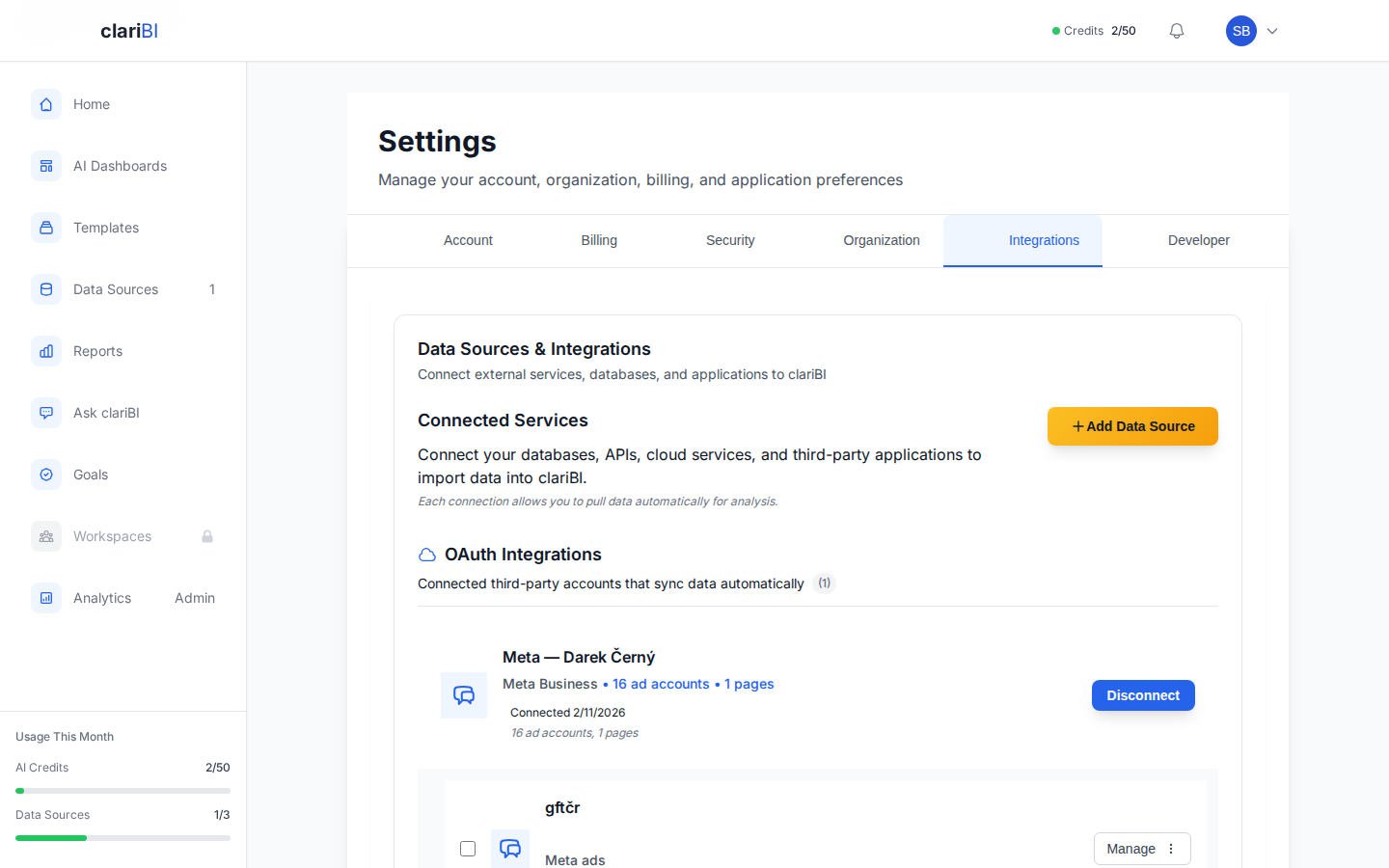
- Go to Settings → Data Sources → Connect MCP → Custom MCP.
- Paste the MCP endpoint URL (e.g.,
https://api.example.com/mcp). - Pick auth mode: OAuth 2.1 + DCR (recommended, since clariBI auto-discovers and registers), Bearer token, or custom header (paste an API key).
- clariBI runs an SSRF guard on the URL: HTTPS only, RFC1918 / loopback / cloud-metadata addresses blocked. If the check passes, the connection is created and the catalog row appears in your Settings.
Once connected, the AI engine can call the server's read-only tools just like any catalog vendor. Available on Starter / Professional / Enterprise.
When to Use REST API Sources (legacy)
Use the REST API connector when:
- The vendor doesn't have an MCP server at all (and probably won't soon).
- You're pulling from a single specific endpoint with predictable shape (not a full vendor surface).
- You need a one-off integration that doesn't justify wrapping in MCP.
Setup
Go to Data Sources > Add Data Source > REST API
Enter the API endpoint URL (e.g., https://api.example.com/v1/sales)
Enter your API Key for authentication
Click Connect to create the data source
Response Format
clariBI expects the API to return JSON. The best format is an array of objects:
{
  "data": [
    {"date": "2025-01-01", "product": "Widget A", "revenue": 1500},
    {"date": "2025-01-01", "product": "Widget B", "revenue": 2300},
    ...
  ]
}
Use the response mapping field to specify the path to the array (e.g., data in the example above).
Pagination
For APIs that return paginated results, clariBI can handle pagination during data sync to retrieve the complete dataset.
Sync Schedule
API sources sync based on your tier's cache duration. You can trigger manual syncs at any time. For frequently changing data, consider using shorter cache durations (available on higher tiers).
Limitations
- Only GET requests are supported (clariBI reads data, it does not write)
- Response must be JSON format
- Maximum response size depends on your tier's storage limits
- Rate limiting on the remote API may slow down initial syncs
Related
- Data Sources Overview
- Troubleshooting
- Data Sources API (for programmatic management)
Ready to try clariBI?
Start your free 14-day trial. No credit card required.